Disclosure: This page contains an affiliate link to amazon.com.au. If you buy through this link we may earn a small commission at no extra cost to you. It does not change which products we recommend, we only suggest gear we’d use ourselves.
ECOWITT
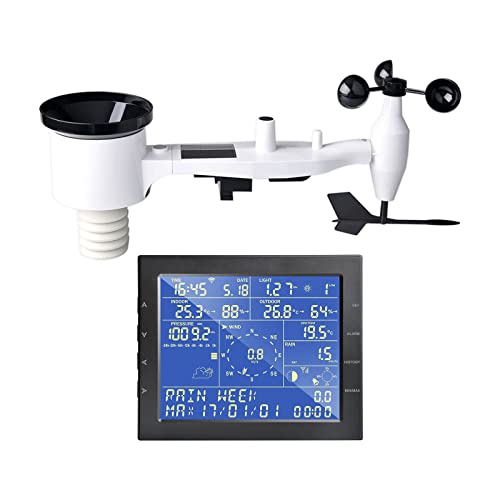
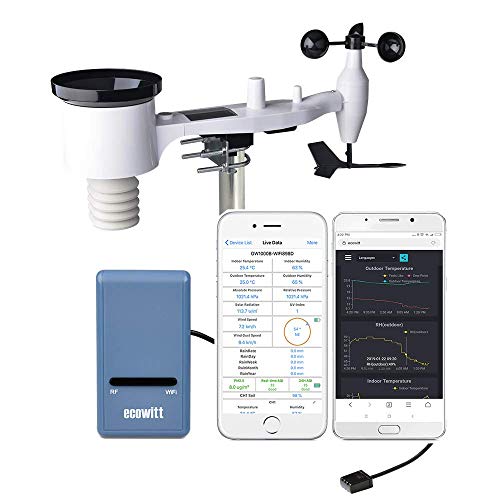
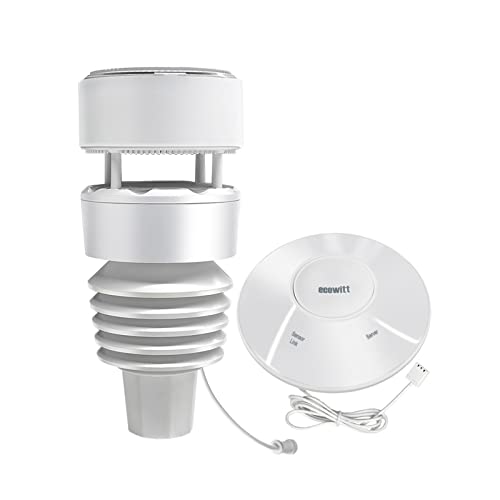
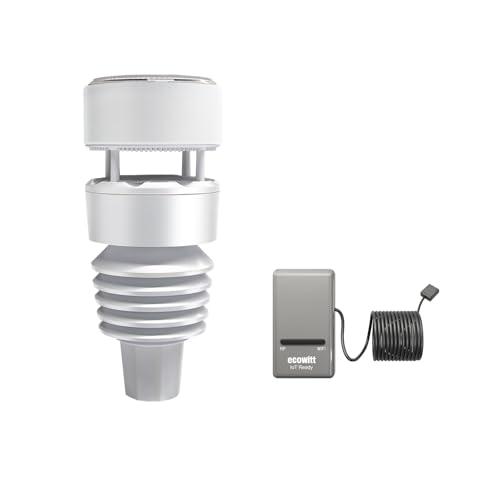
ECOWITT Wi-Fi Weather Station GW1210, Includes GW1200 Wi-Fi Gateway and WS90 Outdoor Sensor Array, 433 MHz
$203.99
Price from Amazon · may vary
Buy on Amazon ↗
Questions? Ask at our Erina workshop
Key Features
- 【ECOWITT GW1210 Wi-Fi Weather Station】Includes GW1200 Wi-Fi Gateway and WS90 Outdoor Sensor Array.
- 【ECOWITT Wi-Fi Gateway Weather Station】: With a built-in temperature, humidity, and barometric pressure 3-in-1 sensor, the Ecowitt GW1200 Wi-Fi gateway could not only be an indoor weather station but also be a Wi-Fi gateway to connect to Ecowitt's all developed sensors/subdevices. An additional 1.5m/3ft USB extension cable for powering the gateway, allowing you to measure more accurate values at any location.
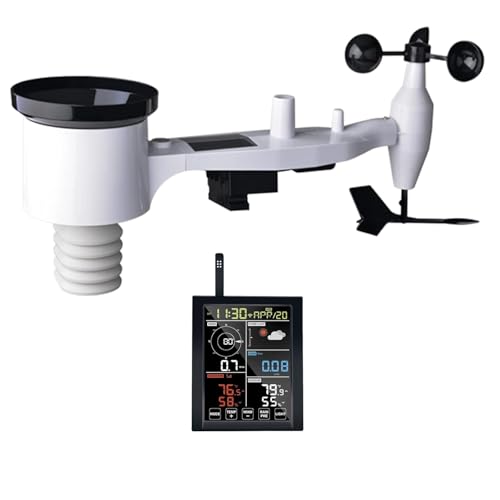
- 【Compact & Built to Last 7-in-1 Weather Station】: Ecowitt WS90 integrated outdoor weather sensor collects accurate temperature, humidity, wind direction and speed, light and UV levels as well as rainfall data. After Wi-Fi configuration, the live data can be viewed on WS View Plus or Ecowitt APP.
- 【IOT Ready】: Ecowitt GW1200 Wi-Fi gateway could not only pair with all ecowitt-developed sensors and upload their data to the Internet after Wi-Fi configuration but also could pair with ecowitt smart control devices, such as WFC01 watering timer and AC1100. After Wi-Fi configuration, you can control these smart control devices on the Ecowitt APP, realizing APP control watering timers and switches.
- 【Easy to Install & Easy Wi-Fi Configuration】: Ecowitt GW1200 is powered by USB(2.0 or later). With a cable clip and a USB extension cable, you can place it anywhere in your home. There are 2 methods to finish the Wi-Fi configuration: The Ecowitt APP or the website. It is recommended that you download the Ecowitt APP and finish the Wi-Fi configuration. The details about how to configure Wi-Fi are on the Quick Start Guide.
- 【View Live Data & Publish to Internet Weather Services】: You can use the Ecowitt APP to view collected live data, manage sensor calibration setup, and manage sensor selection. Besides, After the Wi-Fi configuration is successful, data can be uploaded to the following weather station servers: A. ecowitt.net (Default upload to this server); B. wunderground.com; C. weathercloud.net27; D. wow.metoffice.gov.uk; E. Customized servers.
- 【RF Frequency】: 433 MHz
Need help with your tech?
iFix Electronics is a Central Coast (NSW) repair shop with 16+ years' experience. If you need hands-on help, our team can sort it.