Prices from Amazon AU, updated daily. Swipe or use the arrows for more.
Disclosure: This article contains affiliate links to amazon.com.au. If you buy through one of these links iFix may earn a small commission at no extra cost to you. It doesn't change which products we recommend. We focus on what actually lasts based on 16 years of repair-shop experience.
Quick summary10 picks
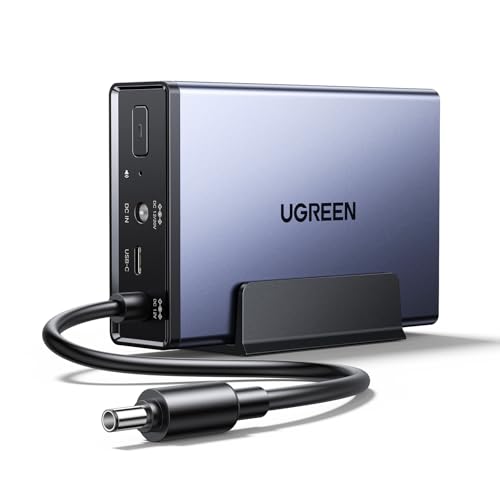
- CheapestUGREEN NAS UPS about$169.9912000mAh, 120W.
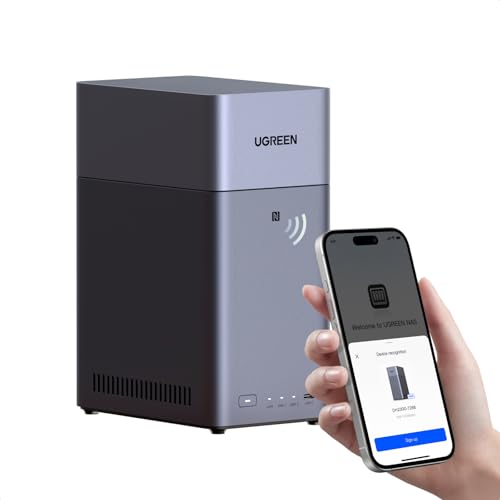
- UGREEN NASync DH2300 2-Bay NAS (Diskless) about$399.99
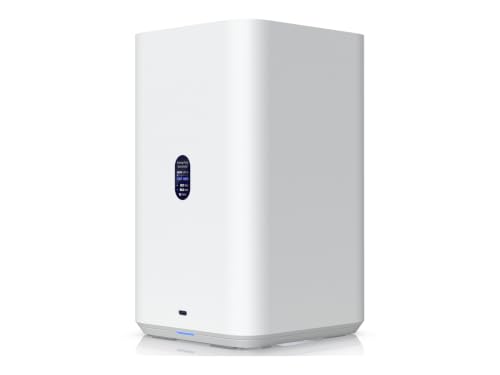
- Ubiquiti UNAS 2 UniFi 2-Bay NAS about$389
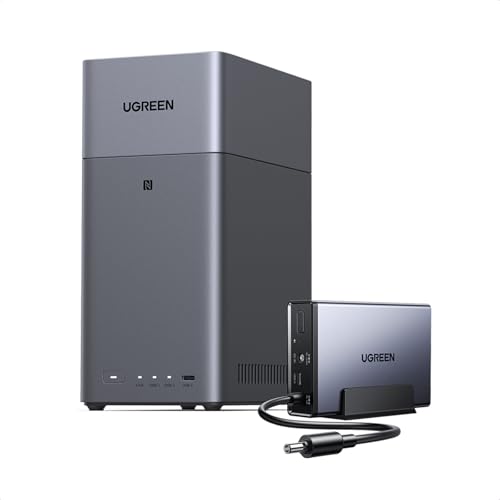
- UGREEN NASync DH2300 2 Bay NAS Buddle Witch… about$467.986000mAh, 72W.
- UGREEN NASync DH2300 2 Bay NAS Buddle Witch… about$521.984GB RAM, 12000mAh, 120W.
- UGREEN NASync DH4300 Plus 4-Bay NAS about$699.99
- UGREEN NASync DXP4800 GT 4-Bay NAS for… about$889.99128GB SSD.
- Top Pick: Most Capable, No Lock-InUGREEN NASync DXP4800 GT 4-Bay NAS (Cat 8 cable) about$843.70Dual 10GbE, Runs VMs, Docker.
- Most PremiumAsustor Lockerstor 4 Gen2+ AS6704T v2 4 Bay… about$1,0494GB RAM.
- UGREEN NASync DXP4800 Pro 4-Bay NAS Buddle… about$1,479.9812000mAh, 120W.
Why this matters now
Data loss is not a rare event. At the bench in Erina it is a weekly one. Someone walks in with the only copy of a decade of family photos on a single external drive that has stopped spinning, or a small business whose laptop was encrypted by ransomware overnight, or a person who trusted everything to a cloud service that quietly changed its terms. My background is forensic data recovery, so I see the aftermath of "I thought it was backed up" more than almost anyone on the Central Coast.
The honest framing is this: every hard drive and SSD you own will fail eventually. The only question is whether you have another copy when it does. A NAS, a small always-on box holding several drives, is the home tool built for exactly this. It keeps a redundant copy of your data so a single drive death does not become a disaster, serves files to every device in the house, and runs your backups automatically so you do not have to remember to.
There is a second reason this matters in 2026: data sovereignty. Keeping your own data on your own hardware, in your own home, means no monthly fee that climbs with your library, no provider that can change terms or shut a service down, and no third party holding the only copy of your private files. Cloud has its place as the off-site leg of a backup, which we will get to, but it should not be the only place your life's data lives.
What to look for in a home NAS
Drive bays and redundancy. A NAS holds multiple drives and can mirror or stripe-with-parity across them so that if one drive fails, your data survives on the others. Two bays is the minimum for any redundancy at all. Four bays is the home sweet spot, giving you redundancy plus headroom to grow. The whole point is that one dead drive is an inconvenience, not a loss.
Drive lock-in, the issue most buyers miss. A NAS is only the box. You buy the drives separately and fit them yourself. So the question of which drives a unit will accept is a real ownership question, not a footnote. Some vendors now restrict you toward their own branded drives. Others let you fit any compatible drive you like. That difference can cost you real money over the life of the unit, and it decides whether you control your own upgrade path. The clearest example is Synology, which from its 2025-plus Plus-series steers you toward its own branded drives. That is exactly why none of the three picks below are Synology units: all three let you fit any compatible drive you choose.
Snapshots and ransomware resilience. The best defence against ransomware is versioned snapshots, point-in-time copies you can roll back to from before an infection. Any NAS you buy should support snapshot retention. A NAS without it, mapped as a permanent network drive, can be encrypted right alongside your PC.
Software and ease of use. The operating system the NAS runs decides how pleasant it is to live with: setting up backups, sharing files, accessing remotely, running snapshots. This is where the three picks below genuinely differ, and it is the one area where paying more buys you something real.
The three picks, ranked
Prices checked October 2026 on amazon.com.au. These are the figures at time of writing; the Amazon buybox moves week to week.

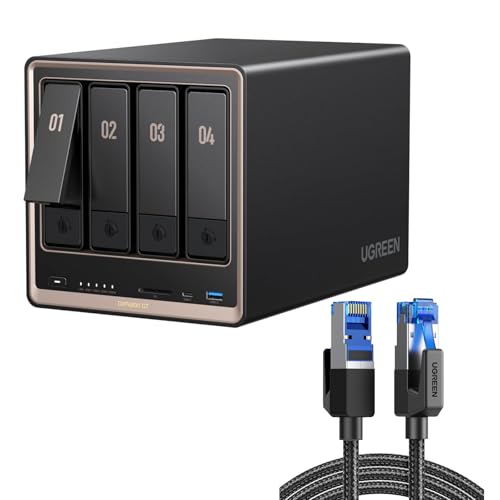
UGREEN NASync DXP4800 GT 4-Bay NAS (with Cat 8 cable)
ASIN B0H5D5DSB7 • $843.70 • checked October 2026
This is the one I would put in most homes that take their data seriously. The DXP4800 GT is UGREEN's four-bay for creators and office teams, built around an AMD Ryzen Embedded R2514 with four cores and eight threads, and it has two 10GbE ports rather than one. That is enough horsepower to run snapshots, several backup jobs, media duties, Docker containers and virtual machines without breaking a sweat. Two M.2 NVMe slots can act as cache or fast storage, and bays 1 and 2 also take U.2 SSDs, so the spinning drives are not the bottleneck.
The part that matters most for ownership: no drive lock-in. Fit whatever compatible drives suit your budget and the capacity you need, today and in three years when your library has grown. You control the upgrade path, not the vendor. Four bays for redundancy, real processing power and that fast networking are what make this the most capable, most future-proof choice here for the money. This listing is a bundle that includes a Cat 8 Ethernet cable, so you can plug into a fast port without hunting for one. Drives are not included, and the built-in 128GB SSD is used for the operating system only.
Best for: anyone who wants serious capability and full control over their drives. Families with large photo and video libraries, home offices, anyone who plans to keep the unit for years.
Bays: 4 • CPU: AMD Ryzen Embedded R2514 (4 cores, 8 threads) • Network: 2x 10GbE • SSD: 2x M.2 NVMe, U.2 in bays 1 and 2 • In the box: Cat 8 cable • Drive lock-in: none
View on Amazon AU
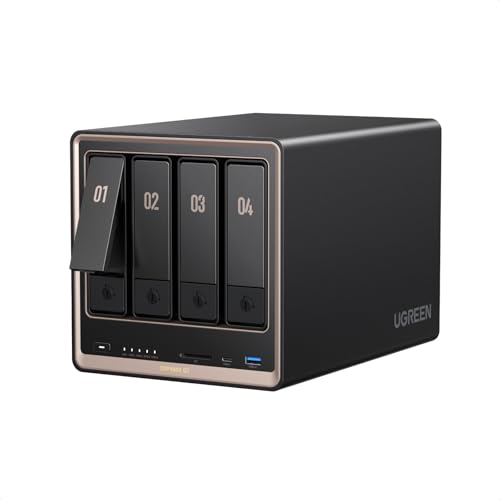
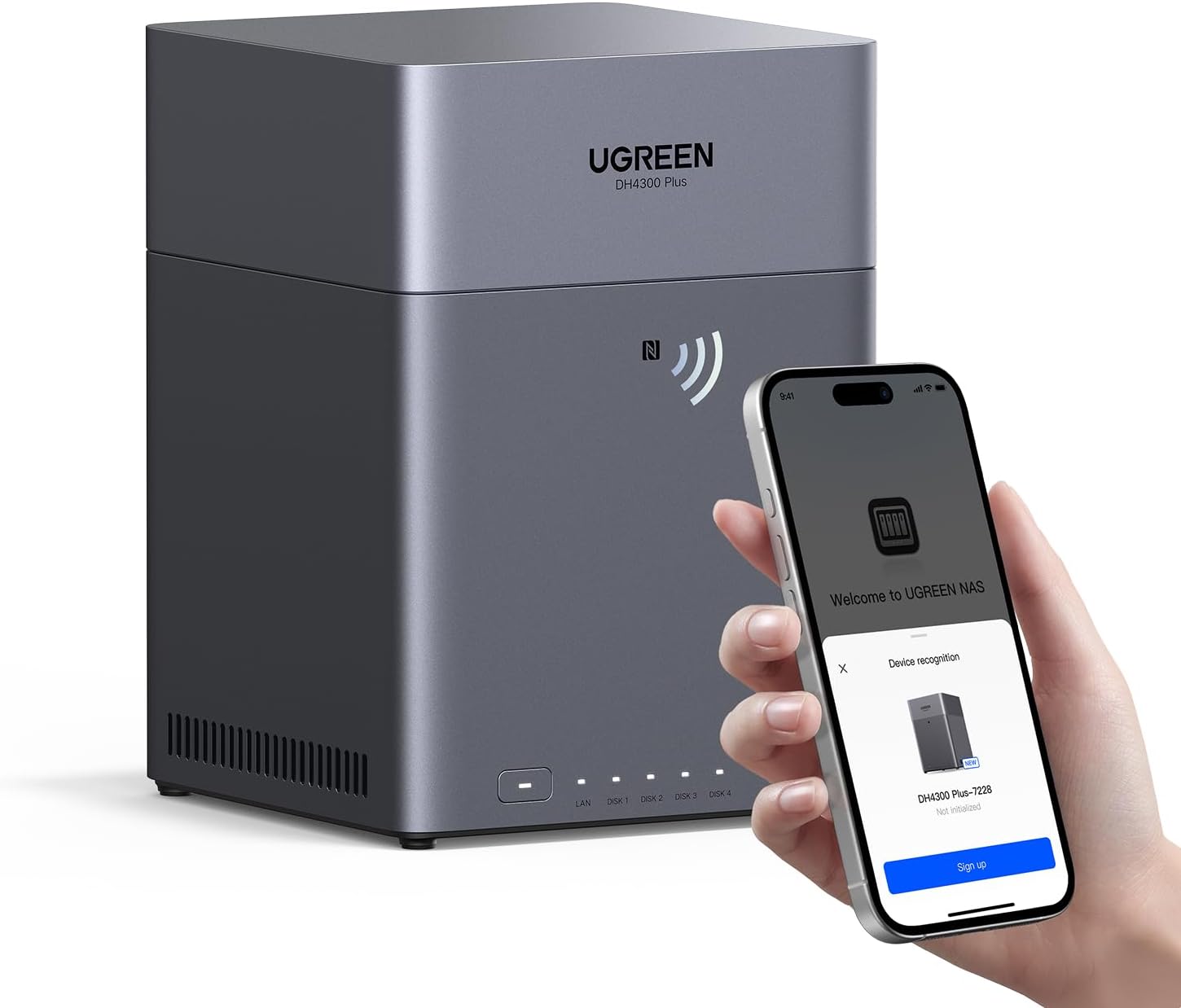
UGREEN NASync DH4300 Plus 4-Bay NAS
ASIN B0G1BDM3ND • $699.99 • checked October 2026
If the DXP4800 GT is more box than you need, the UGREEN NASync DH4300 Plus is where I would start. It is the sensible entry into a proper four-bay NAS: 8GB of memory, 2.5GbE networking, and a tidy NFC-based setup that makes getting it running painless for someone who has never owned a NAS before. It runs the same UGOS software as the pricier Pro, just on lighter, more power-efficient hardware.
Just as importantly, it shares the Pro's key virtue: no drive lock-in. You are free to fit the drives that fit your budget, and you keep that freedom as you expand. Four bays means you still get real redundancy and growth room. You step down from the DXP4800 GT's raw processing power and networking, which you will only notice if you push the unit hard with many simultaneous tasks, but for protecting a household's photos, documents and backups it is plenty.
Best for: first-time NAS owners, households that want solid redundancy and easy setup without paying for headroom they will not use, anyone keeping the spend sensible while still owning their drives.
Bays: 4 • RAM: 8GB • Network: 2.5GbE • Setup: NFC-assisted • Drive lock-in: none
View on Amazon AU
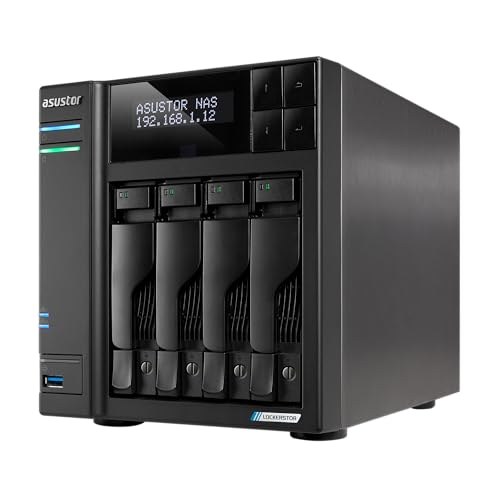
Asustor Lockerstor 4 Gen2+ AS6704T v2 4-Bay NAS
ASIN B0FJRX7GJ9 • $1,049.00 • checked October 2026
If you would rather buy from a maker that has been building NAS boxes for years, the Lockerstor 4 Gen2+ v2 is the pick. Asustor's ADM is one of the longer-established operating systems in the category, with a mature app catalogue, dependable snapshot and backup tooling and solid remote access. It is the closest thing here to the polished, proven software experience Synology is known for, but without Synology's branded-drive restriction. The hardware is a quad-core Intel Celeron N5105 with 4GB of DDR4 in an all-metal chassis built for round-the-clock running.
Its standout is caching. Where most four-bay units give you one or two M.2 slots, the Lockerstor 4 Gen2+ v2 has four M.2 PCIe 3.0 SSD slots, so you can build a large fast cache or an all-flash pool alongside the spinning drives. Add dual 2.5GbE and USB 3.2 Gen 2 ports for quick external transfers and it becomes the tinkerer's choice. Crucially it has no drive lock-in: fit any compatible drives you like, and keep that freedom as you expand.
Best for: people who want a proven NAS operating system and heavy SSD-caching flexibility without a branded-drive restriction, enthusiasts and power users who like to tune their own setup.
Bays: 4 • CPU: Intel Celeron N5105 quad-core • RAM: 4GB DDR4 • Network: 2x 2.5GbE • SSD cache: 4x M.2 PCIe 3.0 • OS: Asustor ADM • Drive lock-in: none
View on Amazon AUSide-by-side comparison
| Product | Price | Best for |
|---|---|---|
| UGREEN NAS UPS | ~$169.99 | Keeping a UGREEN NAS safe through blackouts |
| UGREEN NASync DH2300 2-Bay NAS (Diskless) | ~$399.99 | First NAS for family photos and files |
| Ubiquiti UNAS 2 UniFi 2-Bay NAS | ~$389 | UniFi users who want a small 2-bay NAS |
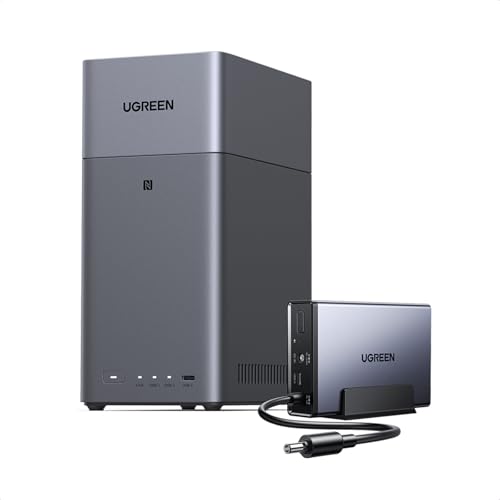
| UGREEN NASync DH2300 2 Bay NAS Buddle Witch… | ~$467.98 | 2-bay NAS with a small UPS in one kit |
| UGREEN NASync DH2300 2 Bay NAS Buddle Witch… | ~$521.98 | 2-bay NAS with a 120W UPS in one kit |
| UGREEN NASync DXP4800 GT 4-Bay NAS for… | ~$889.99 | Teams and creators who want dual 10GbE |
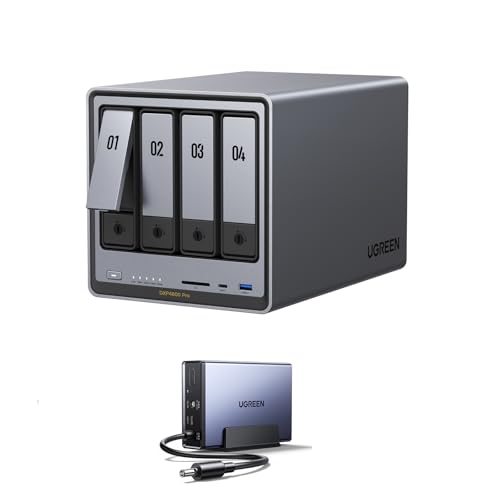
| UGREEN NASync DXP4800 Pro 4-Bay NAS Buddle… | ~$1,479.98 | 4-bay NAS with a UPS in the bundle |
| Asustor Lockerstor 4 Gen2+ AS6704T v2 4 Bay… | ~$1,049 | Alternative Pick: Mature Software, No Lock-In |
| UGREEN NASync DXP4800 GT 4-Bay NAS (Cat 8 cable) | ~$843.70 | Top Pick: Most Capable, No Lock-In |
| UGREEN NASync DH4300 Plus 4-Bay NAS | ~$699.99 | Sensible Entry: No Lock-In |
What I see at the bench: drives fail, this is the recovery story
This is the section the marketing pages will not write, because it is about what happens when things go wrong. After 16 years and a forensic data recovery background, here is what is actually worth knowing before you trust your data to any of these.
Every drive fails. The only variable is timing. We see mechanical hard drives die from spindle and head failures, and we see SSDs die suddenly with no warning at all when the controller gives up. A single external drive is one failure away from total loss, with no second chance. A NAS with redundancy turns that single point of failure into a survivable event: one drive dies, you replace it, the array rebuilds, your data was never at risk. That is the entire reason these boxes exist.
Redundancy is not a backup. This is the mistake I correct most often. A NAS protecting you against one drive failing is wonderful, but it does not protect you against a fire, a theft, a flood, a power surge that takes out the whole unit, or ransomware encrypting everything on it. Redundancy keeps your data alive when hardware fails. Backup keeps your data alive when everything else fails. You need both, which is what the 3-2-1 rule below is for.
Ransomware will encrypt a mapped NAS too. I have seen people assume their NAS was safe while their PC was being encrypted, only to find the malware reached straight through the mapped network drive and locked the NAS as well. The defence is snapshots with retention, so you can roll back to a clean copy, plus limiting write permissions and keeping one backup copy disconnected or in immutable cloud storage. Set this up on day one, not after an incident.
When a drive fails, stop. The worst thing you can do with a failing drive or a degraded array is keep using it and hope. A second failure during a rebuild, or repeated power cycling of a dying drive, is how a recoverable situation becomes an unrecoverable one. Power it down, stop writing to it, and bring it in. The earlier we see a failing drive, the better the odds. Our data recovery service exists for exactly the cases a NAS was meant to prevent, and the sooner you act, the more we can save.
How to set it up properly: the 3-2-1 rule
Buying the box is the easy part. Setting it up so it actually protects you is what counts. The rule that has held up for decades is 3-2-1: three copies of your data, on two different types of media, with one copy kept off-site.
- Copy one and two: the NAS. Your working data plus a redundant copy across the NAS drives. That covers a single drive failure cleanly.
- The second media type. Pair the NAS with an external drive or a second device so you are not relying on one technology. Snapshots on the NAS add point-in-time versions you can roll back to.
- The off-site copy. Sync one copy to the cloud or rotate an external drive to another location, so a fire, flood or theft at home cannot take every copy at once. This is where cloud earns its keep as a backstop, not as your only store.
Done right, no single event can wipe you out. A drive dies, you swap it. The house is burgled, your off-site copy survives. Ransomware hits, you roll back to a clean snapshot. That is the whole game, and it costs far less than the recovery bill when it is missing. If you are securing the rest of your digital life at the same time, our notes on locking down accounts in the phone buying and security guidance pair well with a solid backup plan.
So which NAS should you buy?
- You want the most capable box and full control of your drives. UGREEN NASync DXP4800 GT ($843.70). Four-core Ryzen processor, dual 10GbE networking, four bays, NVMe caching, and no drive lock-in. The future-proof pick.
- You want a sensible first NAS without overspending. UGREEN NASync DH4300 Plus ($699.99). Easy NFC setup, real redundancy, and no drive lock-in. The sensible place to start.
- You want a proven NAS OS and heavy SSD caching without lock-in. Asustor Lockerstor 4 Gen2+ v2 ($1,049). The mature ADM operating system and four M.2 cache slots, with no drive lock-in. The pick for enthusiasts who like to tune their setup.
On the Central Coast and not sure how to set any of this up, or already dealing with a failed drive or a NAS that has dropped offline? Walk in to our Erina workshop. We can help you plan a backup that actually holds, configure snapshots and 3-2-1 properly, and if a drive has already failed, get it onto the bench before a second failure makes the data unrecoverable.
Drive failed, NAS offline, or want to set up backup that actually holds?
Drives fail, that is the job. If you have lost access to data, or you want a hand planning a NAS and a real 3-2-1 backup, we can help on the Central Coast. Ben's background is forensic data recovery, so this is our home turf.