Prices from Amazon AU, updated daily. Swipe or use the arrows for more.
Disclosure: This article contains affiliate links to amazon.com.au. If you buy through one of these links we may earn a small commission at no extra cost to you. It does not change which products we recommend: we only recommend cameras we'd actually put in our own shop.
Quick summary12 picks
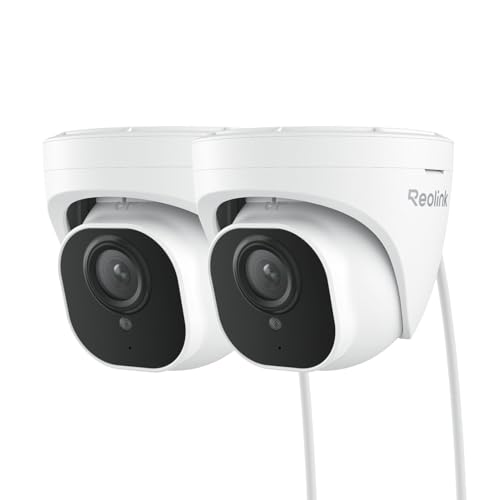
- Reolink RLC-520A 5MP Dome about$165.725MP, Dome, Cheapest.
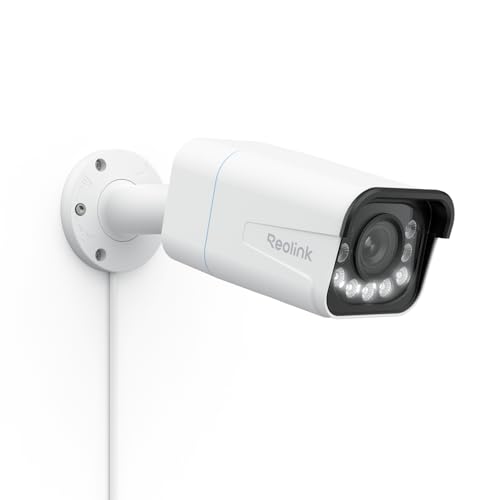
- Reolink RLC-811A 4K 5x Zoom about$178.494K, 5x zoom, Siren.
- Reolink RLC-1224A 12MP about$189.9912MP, Turret, Face detail.
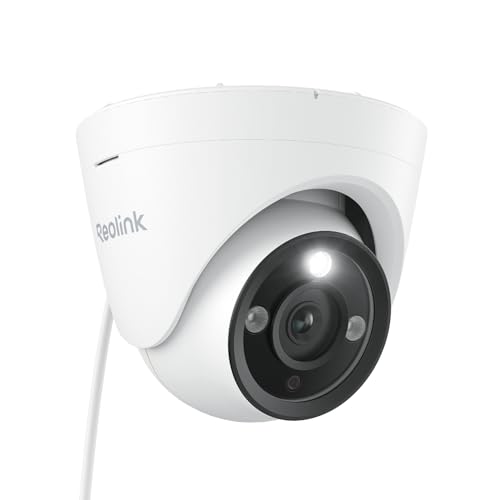
- Reolink CX820 ColorX 4K about$209.994K, Colour at night, F1.0 lens.
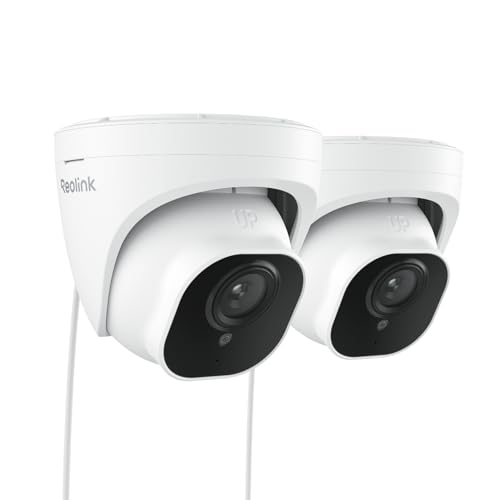
- Reolink RLC-820A 4K (2-Pack) about$289.994K, 2 cameras, Smart detection.
- Reolink TrackMix PoE 4K PTZ about$246.49PTZ, Auto tracking, Dual lens.
- Reolink Duo 3 PoE 16MP about$254.9916MP, 180 degrees, No blind spot.
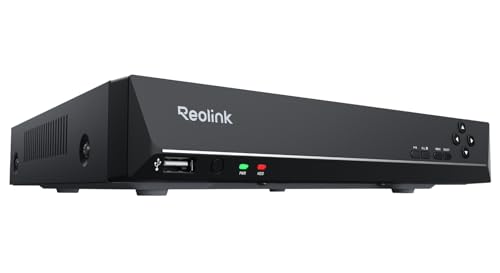
- Reolink RLN8-410 8-Channel NVR about$319.998 channels, No subscription, 24/7.
- Reolink Elite Pro Floodlight PoE 16MP about$339.99Floodlight, 16MP, Colour night.
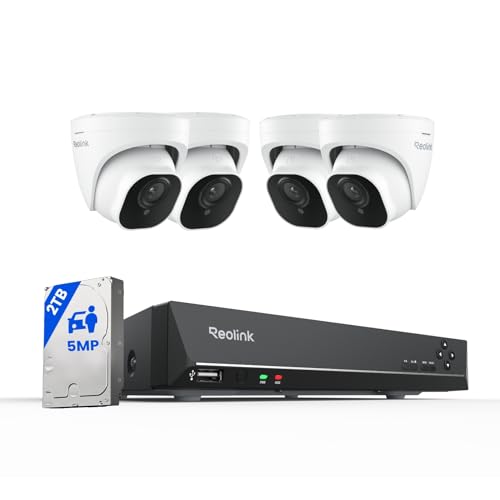
- Cheapest full setupReolink 5MP 4-Camera Kit (8CH, 2TB) about$899.994 cameras, 2TB, Plug and play.
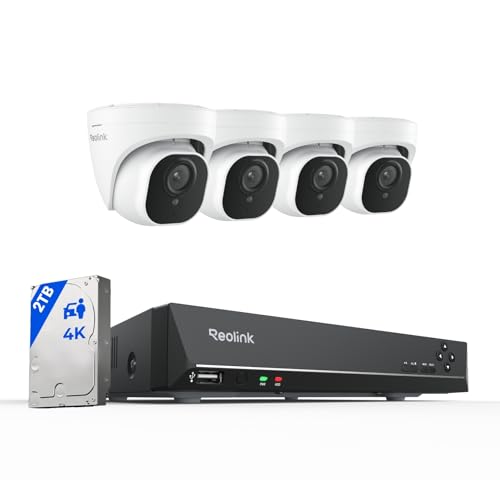
- Reolink 4K 8-Channel Kit (2TB) about$934.994K, 8CH NVR, 2TB.
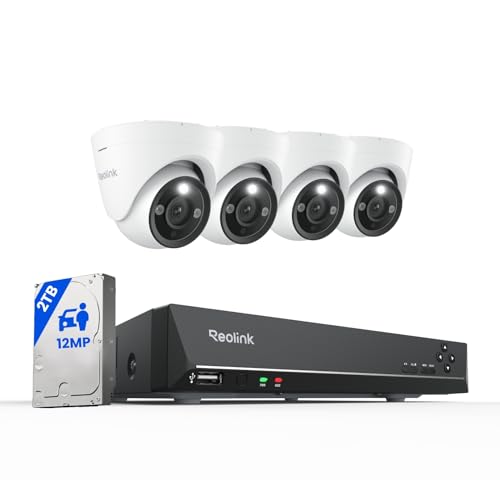
- Reolink 12MP 8-Channel Kit (2TB) about$1,169.9912MP, Spotlights, 2TB.
Every small business owner we talk to on the Central Coast has a story. The retailer whose stockroom got cleaned out on a long weekend. The café that copped a chargeback dispute with no way to prove the customer was lying. The workshop that found a smashed window on Monday morning and a hopeful insurance claim with nothing to back it up. CCTV is no longer a "nice to have" for a small Australian business in 2026: it's the difference between recovering from an incident and absorbing the loss.
The good news is that what used to require a $5,000 install with a wired NVR and a tradie running cabling can now be done for the cost of a decent espresso machine, by you, in an afternoon. The bad news is that not all consumer cameras are suitable for business use, and most "best CCTV" articles ignore the realities of running an actual shop or café. This guide is written for owners, not pure tech enthusiasts. We focus on what matters when there's an incident, an insurance claim, or a customer dispute on the line.
Why a Camera System Pays for Itself
The four genuine returns on a small business CCTV setup, in our experience working with local Erina and Gosford businesses:
- Insurance premium reduction. Most Australian small business insurers offer a discount on contents and theft cover for premises with CCTV. The exact figure varies by insurer and by what you're recording. Ring your broker or call your insurer's small business line and ask for a quote with and without CCTV: the difference is often more than the cameras cost in year one.
- Theft and shoplifting deterrence. Visible cameras with prominent signage measurably reduce opportunistic theft. Cameras at the till, near high-value displays, and over the back door (always a vulnerable spot) are the highest-yield positions. Most stock loss in small retail isn't sophisticated: it's quick, opportunistic, and entirely deterred by the obvious presence of recording.
- Customer dispute and chargeback evidence. Every café, retailer and workshop eventually has a customer who claims they paid in cash, never received their item, was sold the wrong product, or was injured on the premises. Footage is decisive in these disputes, both for chargebacks through your EFTPOS provider and for any small claims tribunal matter.
- Staff safety and incident review. If something goes wrong, an aggressive customer, a slip and fall, an after-hours intrusion, you have a record. This protects your staff, supports their statements to police, and gives you the facts you need to respond properly.
A typical small business camera setup pays itself back in 12 to 18 months from insurance savings alone. Everything after that is risk reduction with no ongoing cost beyond the occasional new microSD card.
What to Look For in a Small Business Camera
Forget the spec sheets: here are the things that actually matter when you need the footage to be useful:
Resolution and lens quality
A 1080p (Full HD) camera covers most indoor positions. For shopfronts, entries and outdoor coverage where you might need to identify a face or read a number plate, step up to a 2K or higher camera. Resolution numbers can be misleading though: a well-built 1080p camera with a good lens beats a cheap 4K camera with a plastic lens every time.
Storage: local AND cloud
The single most important feature for business cameras: a microSD card slot. Cloud-only recording goes blind the moment your Wi-Fi drops or someone cuts the internet line on the way in. On-camera storage keeps recording locally and syncs when the connection returns. Use cloud as a backup, not as your only copy. A 128GB microSD typically holds 1–2 weeks of continuous footage on a 1080p camera.
Outdoor rating (IP65 or better)
Anything outside, shopfront, back lane, loading dock, carpark, needs an IP65 rating minimum. That means dust-tight and protected against jets of water. IP66 is better if your premises is exposed to driving rain. Don't compromise here. We've seen plenty of "outdoor" cameras with cracked seals fill up with water after one wet winter.
Power and connectivity
You have three real options: mains-wired (most reliable, requires powerpoint near the camera), battery-powered with solar (perfect for shopfronts with no nearby outlet), or PoE (Power over Ethernet, requires a network switch and cabling). For most small businesses, battery + solar covers the awkward outdoor positions and mains covers the easy indoor ones. PoE is a step up if you want a fully wired install.
Night vision and colour at night
Standard IR night vision gives you black-and-white footage that's fine for movement detection but useless if you need to identify clothing colour. Modern "colour night vision" cameras use a low-light sensor and a small spotlight to record in colour even at night. For an after-dark incident at your shopfront, the colour version is meaningfully more useful as evidence.
AI alerts and zones
People-detection alerts are a genuine upgrade over basic motion detection: they ignore cars on the street, plastic bags blowing past, and trees moving in the wind. Detection zones let you ignore the public footpath and only alert when someone enters your premises. Good AI keeps your phone from buzzing all night with false alerts, which is the difference between a system you actually use and one you mute and forget.
Common Mistakes Small Business Owners Make
- One camera trying to cover the entire shop. A single ceiling camera in the centre of the room sounds efficient but ends up too far from anything to be useful as evidence. Three cheaper cameras at the right positions beat one expensive camera in the wrong one.
- Skipping signage. CCTV signage is required for compliance with Australian Privacy Principles and is a condition of most insurance policies. The signs themselves cost almost nothing and double the deterrent effect.
- Recording in privacy-sensitive areas. No cameras in toilets, change rooms or staff break rooms. Workplace surveillance laws also restrict recording at staff workstations in some states. Check NSW Workplace Surveillance Act if you're in NSW.
- Cloud-only recording with no local backup. If the camera is stolen or destroyed, footage stored only on the camera is gone too. If your internet drops, cloud recording stops. You need both layers.
- Default passwords and outdated firmware. Cameras are network devices. Change the default password during setup, enable two-factor on the camera account, and let firmware updates install automatically. Cheap no-name cameras are a particular risk. Stick to brands with a clear vendor and security track record.
Our picks: 12 Reolink cameras, recorders and kits
Reolink is what I run myself. Everything records locally to a recorder with no monthly subscription, and every product below is sold by Reolink's own Australian store on Amazon AU. Prices as at 22 September 2026, cheapest first.
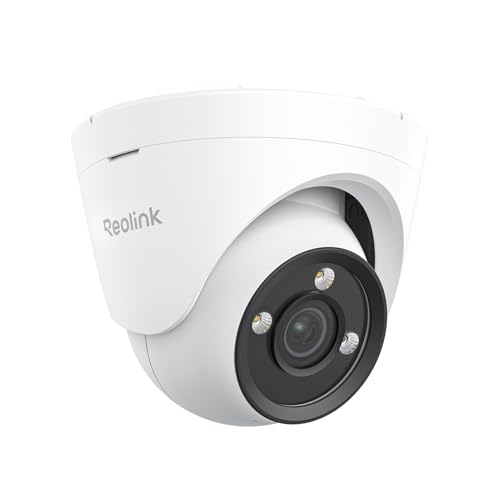
Reolink RLC-520A 5MP Dome
$165.72 • Sold by ReolinkAU
A small 5MP PoE dome with person and vehicle detection and audio. The cheap, tidy way to cover a counter, a back door or a stockroom.
Watch out for: No zoom, and infrared night vision is black and white.
Type: dome • Resolution: 5MP • Power: PoE • Detection: person, vehicle
View on Amazon AUReolink RLC-820A 4K (2-Pack)
$246.49 • Sold by ReolinkAU
Two 4K PoE bullet cameras for about $123 each, with on-camera person and vehicle detection. Covers a front entrance and a car park for the price of one mid-range camera.
Watch out for: Cameras only: you still need the NVR or a PoE switch.
Type: 2x bullet • Resolution: 4K • Power: PoE • Detection: person, vehicle
View on Amazon AUReolink RLC-811A 4K 5x Zoom
$178.49 • Sold by ReolinkAU
4K with 5x optical zoom, spotlights for colour at night and a built-in siren. The zoom lets you frame a driveway or a till tightly without losing detail. I run this model myself.
Watch out for: Needs PoE. The siren can be switched off if it does not suit the premises.
Type: bullet • Resolution: 4K • Zoom: 5x optical • Night: colour spotlights • Extra: siren
View on Amazon AUReolink RLC-1224A 12MP
$189.99 • Sold by ReolinkAU
A 12MP PoE turret that records enough detail to read faces and number plates across a wider scene. I run this model myself, and the extra resolution earns its keep.
Watch out for: 12MP recordings fill a drive faster than 4K. Size the NVR hard drive for it.
Type: turret • Resolution: 12MP • Power: PoE
View on Amazon AUReolink CX820 ColorX 4K
$209.99 • Sold by ReolinkAU
An F1.0 lens that records in full colour at night without switching on a spotlight. For a car park or laneway where you want colour footage but do not want lights flashing on.
Watch out for: Needs some ambient light to work its best; in total darkness nothing beats infrared.
Type: bullet • Resolution: 4K • Night: full colour, F1.0 • Extra: HDR
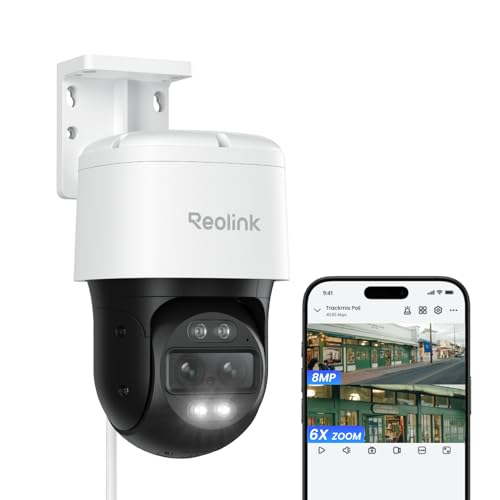
View on Amazon AUReolink TrackMix PoE 4K PTZ
$246.49 • Sold by ReolinkAU
A pan-tilt camera with two lenses: a wide lens follows a person across the yard while a telephoto lens zooms in on them, with both views on one screen. One camera covering a whole car park or loading dock.
Watch out for: Auto-tracking follows one target at a time, and it is bulkier to mount.
Type: PTZ dual-lens • Resolution: 4K • Zoom: 6x hybrid • Extra: auto tracking
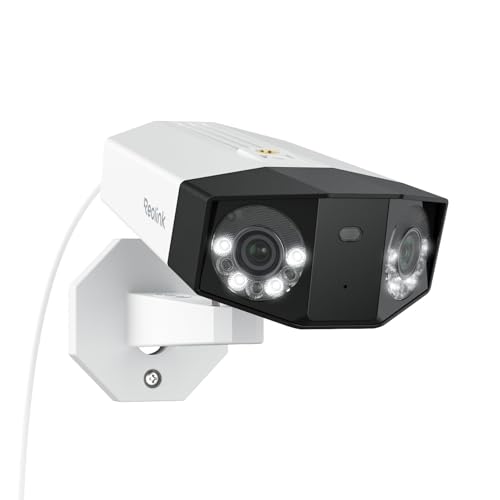
View on Amazon AUReolink Duo 3 PoE 16MP
$254.99 • Sold by ReolinkAU
Two 4K sensors stitched into one 180-degree panorama. Mount it once on a shopfront and it covers the whole street frontage with no blind spot in the middle.
Watch out for: Stitched panoramas show some distortion at the edges.
Type: dual-lens panoramic • Resolution: 16MP • View: 180° • Night: colour
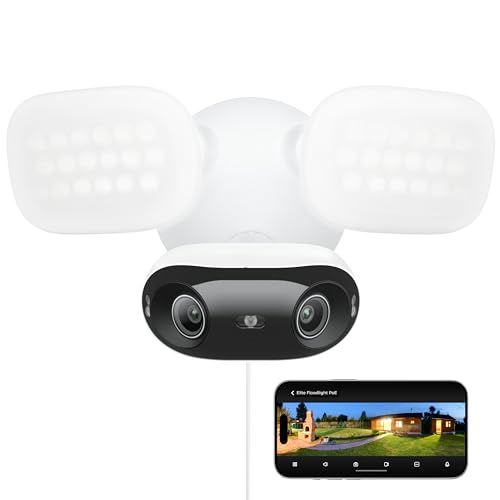
View on Amazon AUReolink Elite Pro Floodlight PoE 16MP
$339.99 • Sold by ReolinkAU
A dual-lens 16MP camera and a floodlight in one unit. Lights up a rear yard or delivery entrance when someone walks in, and records it in colour.
Watch out for: A bright floodlight can annoy neighbours; set the trigger zones carefully.
Type: floodlight camera • Resolution: 16MP dual-lens • Night: colour and infrared • Power: PoE
View on Amazon AUReolink RLN8-410 8-Channel NVR
$319.99 • Sold by ReolinkAU
The recorder that ties it together: powers up to eight PoE cameras over single cables and records 24/7 with no monthly fee. I run the RLN8-410; this is the current version at a lower price.
Watch out for: Works with Reolink cameras only. Check the hard drive included before you buy.
Type: 8-channel PoE NVR • Recording: 24/7 • Subscription: none • Rank: #5 in Surveillance Video Recorders
View on Amazon AUReolink 5MP 4-Camera Kit (8CH, 2TB)
$899.99 • Sold by ReolinkAU
Four 5MP PoE cameras, an 8-channel NVR and a 2TB drive in one box. Plug and play, with room to add four more cameras later. The simplest way to cover a small shop properly.
Watch out for: 5MP rather than 4K, and infrared night vision is black and white.
Cameras: 4x 5MP • NVR: 8-channel • Storage: 2TB • Rank: #12 in Surveillance DVR Kits
View on Amazon AUReolink 4K 8-Channel Kit (2TB)
$934.99 • Sold by ReolinkAU
The kit I would recommend to most small businesses: 4K cameras with person and vehicle detection, an 8-channel NVR and a 2TB drive, for only about $35 more than the 5MP kit. It is also the best seller of the kits (#9).
Watch out for: Check the camera count on the listing option you choose, and plan cable runs before you drill.
Cameras: 4K with person and vehicle detection • NVR: 8-channel • Storage: 2TB • Rank: #9 in Surveillance DVR Kits
View on Amazon AUReolink 12MP 8-Channel Kit (2TB)
$1,169.99 • Sold by ReolinkAU
12MP cameras with spotlights for colour at night, on an 8-channel NVR with a 2TB drive. For premises where identifying faces and plates at a distance matters.
Watch out for: 12MP footage fills 2TB quickly with several cameras; plan on a larger drive.
Cameras: 12MP with spotlights • NVR: 8-channel • Storage: 2TB • Rank: #11 in Surveillance NVR Kits
View on Amazon AUSide-by-side comparison
| Product | Type | Resolution | Night vision | Subscription | Price | Best for |
|---|---|---|---|---|---|---|
| Reolink RLC-520A 5MP Dome | Dome | 5MP | Infrared | None | ~$165.72 | Counters and stockrooms |
| Reolink RLC-820A 4K (2-Pack) | 2x bullet | 4K | Infrared | None | ~$289.99 | Two entrances |
| Reolink RLC-811A 4K 5x Zoom | Bullet, 5x zoom | 4K | Colour spotlight | None | ~$178.49 | Driveways and tills |
| Reolink RLC-1224A 12MP | Turret | 12MP | Infrared | None | ~$189.99 | Faces and plates |
| Reolink CX820 ColorX 4K | Bullet | 4K | Colour, no light | None | ~$209.99 | Car parks at night |
| Reolink TrackMix PoE 4K PTZ | PTZ dual-lens | 4K | Colour spotlight | None | ~$246.49 | Large yards |
| Reolink Duo 3 PoE 16MP | Panoramic | 16MP | Colour | None | ~$254.99 | Shopfronts |
| Reolink Elite Pro Floodlight PoE 16MP | Floodlight | 16MP | Colour and infrared | None | ~$339.99 | Rear entrances |
| Reolink RLN8-410 8-Channel NVR | NVR | Up to 8 cams | n/a | None | ~$319.99 | Building your own system |
| Reolink 5MP 4-Camera Kit (8CH, 2TB) | Kit: NVR + 4 cams | 5MP | Infrared | None | ~$899.99 | Cheapest full setup |
| Reolink 4K 8-Channel Kit (2TB) | Kit: NVR + cams | 4K | Infrared | None | ~$935 | Most small businesses |
| Reolink 12MP 8-Channel Kit (2TB) | Kit: NVR + cams | 12MP | Colour spotlight | None | ~$1,169.99 | Maximum detail |
Quick Setup Tips
- Plan placement before you mount. Walk through your premises imagining you're an opportunistic thief. Where would you walk? Where would you grab from? Mount cameras to cover those paths and choke points, not the open floor.
- Mount high but not too high. Above 2.5 metres puts the camera out of reach of casual tampering. Higher than 3 metres and you start losing facial detail at distance.
- Buy decent microSD cards. Cheap unbranded SD cards die fast under continuous-write workloads. SanDisk, Samsung or Kingston "high endurance" or "surveillance" rated cards last years. A no-name $10 card might last six months before silently corrupting.
- Put cameras on a separate Wi-Fi network from your EFTPOS, POS or back-office computers. Most modern routers let you set up a guest network in five minutes. This limits the damage if a camera is ever compromised.
- Test the footage looks like you expect the day after install, both day and night. Walk past each camera, pretend to grab something, then check the recording. You want to discover lighting issues now, not three weeks after the incident you wanted to record.
- Put up the signage immediately. The signs are the deterrent. Some of the value is in the cameras existing; most of the value is in customers and staff knowing they exist.
When to Call a Pro
The setups above cover 90% of small business needs. There are still cases where a professional install makes sense:
- Multi-site or franchise operations where you want consolidated viewing and centralised storage across locations.
- Insurance-mandated NVR systems with specific retention requirements (some commercial premises have explicit policy conditions on this).
- Integration with monitored alarms or after-hours response services: this almost always needs an NVR-based system the alarm provider supports.
- High-value premises (jewellery, electronics, pharmacy) where insurance underwriters require commercial-grade cameras with tamper alerts and dedicated upload paths.
For most small retailers, cafés and workshops, a three-to-four camera consumer setup with on-camera SD storage and good signage is genuinely sufficient. If you're not sure, our data recovery and digital evidence teams can also help if you've already had an incident and need to extract footage from a damaged unit, recover SD card data, or prepare evidence for insurance or legal use.
Frequently Asked Questions
How many cameras does a small shop or café actually need?
For most small premises, three to four cameras cover the essentials: one over the till or counter, one covering the main entry, one over any back-of-house storage area, and one outside the front door. Larger spaces or multiple entry points need more. The mistake we see most often is one camera trying to cover the whole shop. It ends up being useful for nothing.
Do I need to tell customers I have CCTV recording in my business?
Yes. In Australia, signage telling customers and staff that recording is taking place is required for compliance and is a condition of most insurance policies. Privacy laws also restrict recording in toilets, change rooms and any area where people have a reasonable expectation of privacy. Cameras pointing at staff workstations also raise workplace surveillance considerations under state law.
Are Wi-Fi security cameras secure enough for a business?
They are if you set them up properly. Use a strong unique password on the camera account, enable two-factor authentication, keep firmware up to date, and put the cameras on a guest Wi-Fi network separated from your business EFTPOS or POS system. Avoid no-name brands sold without a clear vendor: there have been documented cases of cheap cameras streaming footage to unknown servers.
Will a security camera system reduce my business insurance premium?
Often yes. Many Australian small business insurers offer a discount on contents and theft cover for premises with monitored CCTV. Discounts vary, but a system that pays itself back in 12–18 months from premium savings alone is common. Get a quote with and without CCTV from your insurer to see the actual difference.
Can I keep my recordings if my Wi-Fi or power goes out?
Only if you've planned for it. Cameras that record exclusively to the cloud go blind during a Wi-Fi outage. Cameras with a microSD card slot keep recording locally during outages and sync the footage when the connection returns. For a business camera, on-camera SD storage is non-negotiable: it's also your backup if someone steals or smashes the camera itself.