Prices from Amazon AU, updated daily. Swipe or use the arrows for more.
Disclosure: This article contains affiliate links to amazon.com.au. If you buy through one of these links iFix may earn a small commission at no extra cost to you. It doesn't change which products we recommend. We focus on what actually lasts based on 16 years of repair-shop experience.
Quick summary8 picks
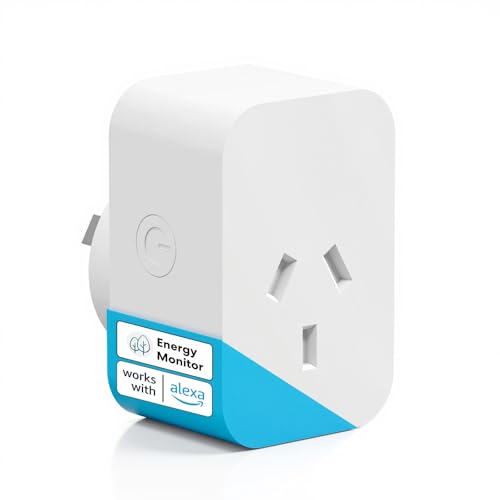
- meross Mini Smart Plug with Energy Monitor… about$25.24
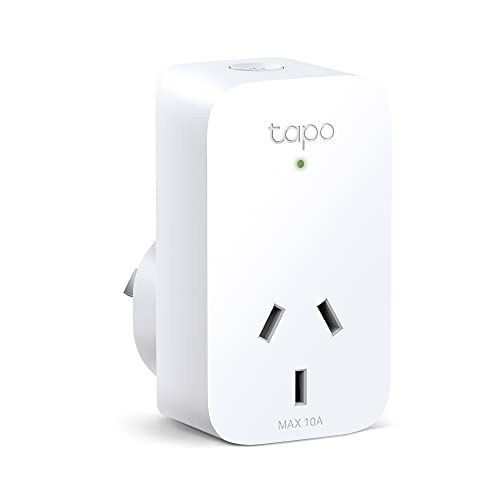
- CheapestTapo P100 Smart about$20.00
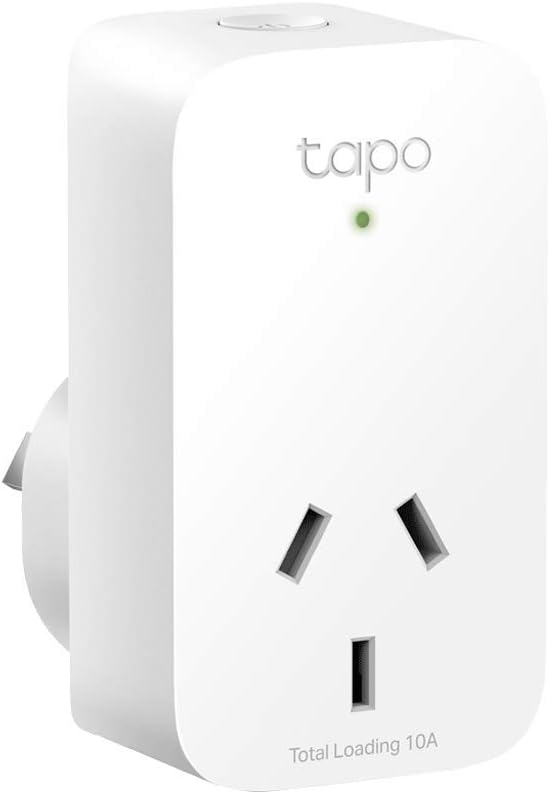
- CheapestTapo P110 Energy Monitoring Smart about$22.00
- meross Mini Smart Plug with Energy Monitor… about$36.99
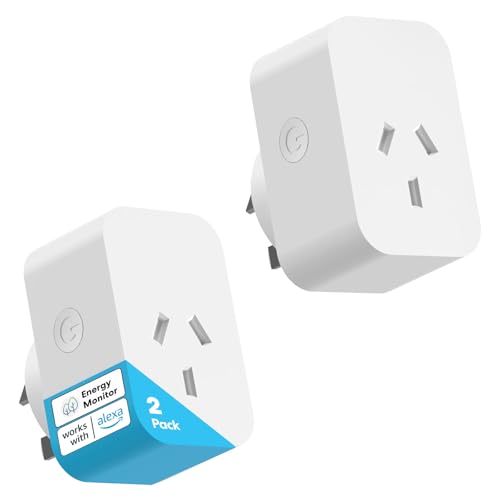
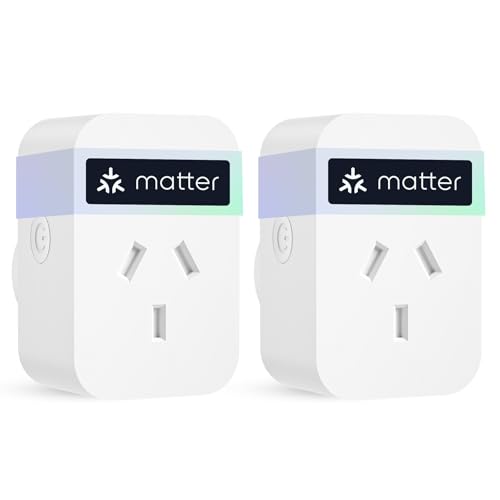
- meross Matter Smart Plug Mini 2 Pack about$49.99
- Depisuta Bidirectional Solar Grid WiFi… about$77.97
- meross Mini Smart Plug with Energy Monitor… about$69.99
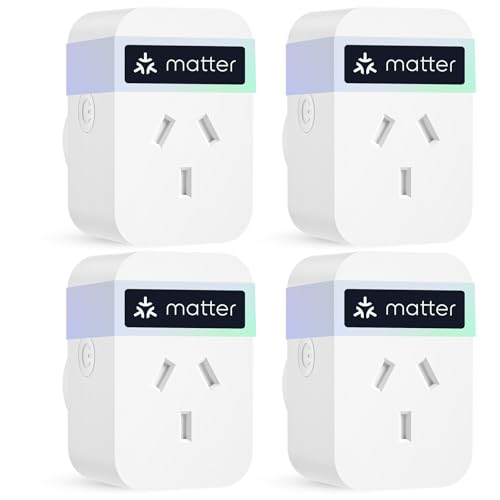
- Most Premiummeross Matter Smart Plug Mini 4 Pack about$89.99
Why this matters now
Headline electricity costs in Australia rose 25.4% in the year to March 2026 per the ABS Consumer Price Index release, driven mostly by federal and state rebates rolling off. Strip the rebates out and the underlying rise is closer to 4.9% YoY, working through bills as retailers' July 2025 price reviews land.
AEMO's Draft 2026 Integrated System Plan now keeps coal in the National Electricity Market until 2049, with two-thirds of the fleet retiring by 2035. The federal renewables target is 82% of NEM generation by 2030, achievable on AEMO's Step Change pathway, but only if new projects and transmission are delivered at an accelerated pace. South Australia is already showing minor reliability gaps in 2026–27 (25–39 MW) once Torrens Island B retires and before EnergyConnect is fully commissioned.
Translation: prices aren't coming back down, the grid will wobble more often, and the household that wins is the one that actually knows where its kilowatt-hours go. That's the job of a smart energy monitor.
What an energy monitor actually measures
Two shapes of energy monitor, two jobs.
Plug-level monitors (smart plugs with metering) sit between the wall socket and the device. They measure that one outlet: fridges, freezers, ovens on standby, gaming PCs, vampire loads. Capped at 10A.
Whole-home monitors sit inside your switchboard. CT clamps snap around each phase's main feed (no wires cut) and the meter combines current with measured voltage to report real power per phase. They see total consumption, solar export and circuit-level failures (compressor sticking, hot-water element shorting). They don't see per-circuit, that needs sub-metering, one CT per breaker.
What to look for in either type
- Sample rate: 1/min for bills, 1/sec for fault hunting.
- Local API: Home Assistant or MQTT without a cloud round-trip. If the vendor goes bust you still own your data.
- Retention: history you can look back through. Shelly's app keeps about 60 days, which beats meters that store nothing.
- Phase support: 1 phase suits most older homes; 3-phase is common in newer builds, pool homes and anything with a 22kW EV charger.
- Solar awareness: does the meter show export as negative power, or just clip at zero?
Top picks for Australian homes
Four picks, ordered by what most readers should buy first. Prices accurate at time of writing. Amazon AU buybox availability moves around, so the on-page price may differ slightly.
Tapo P110: Single Smart Plug with Energy Monitoring
ASIN B0BNDW7N3S • $22 • Amazon AU
The TP-Link Tapo P110 is the one I recommend to anyone who's never measured a watt in their life. Compact body so it doesn't block the adjacent socket, 2.4GHz Wi-Fi, no hub, energy logging in the Tapo app with a kWh-to-dollars calculator you feed your tariff into. It is one of the best-selling energy-monitoring plugs on Amazon AU, and at around $22 it is the cheapest honest way to measure a single outlet.
Plug it into your second fridge for a week and you'll know whether the seal's gone before the next bill. Plug the entertainment unit in and you'll see what "off" really costs per night. One outlet at a time: for whole-house coverage at the device level, scale with the Meross 4-pack below.
Best for: First-time buyers chasing a single suspect appliance, Home Assistant households who want clean local control. Skip if you need to instrument four-plus outlets at once: the Meross 4-pack is more cost-effective per circuit.
Channels: 1 outlet • Max: 10A • API: Tapo app + Local LAN protocol • Hub: none • Form: wall plug
View on Amazon AU Full specs
Meross Mini Smart Plug 4-Pack with Energy Monitoring
★★★★½ 4.6 / 5 (353 reviews) • ASIN B0DPMWHJRB • check Amazon AU
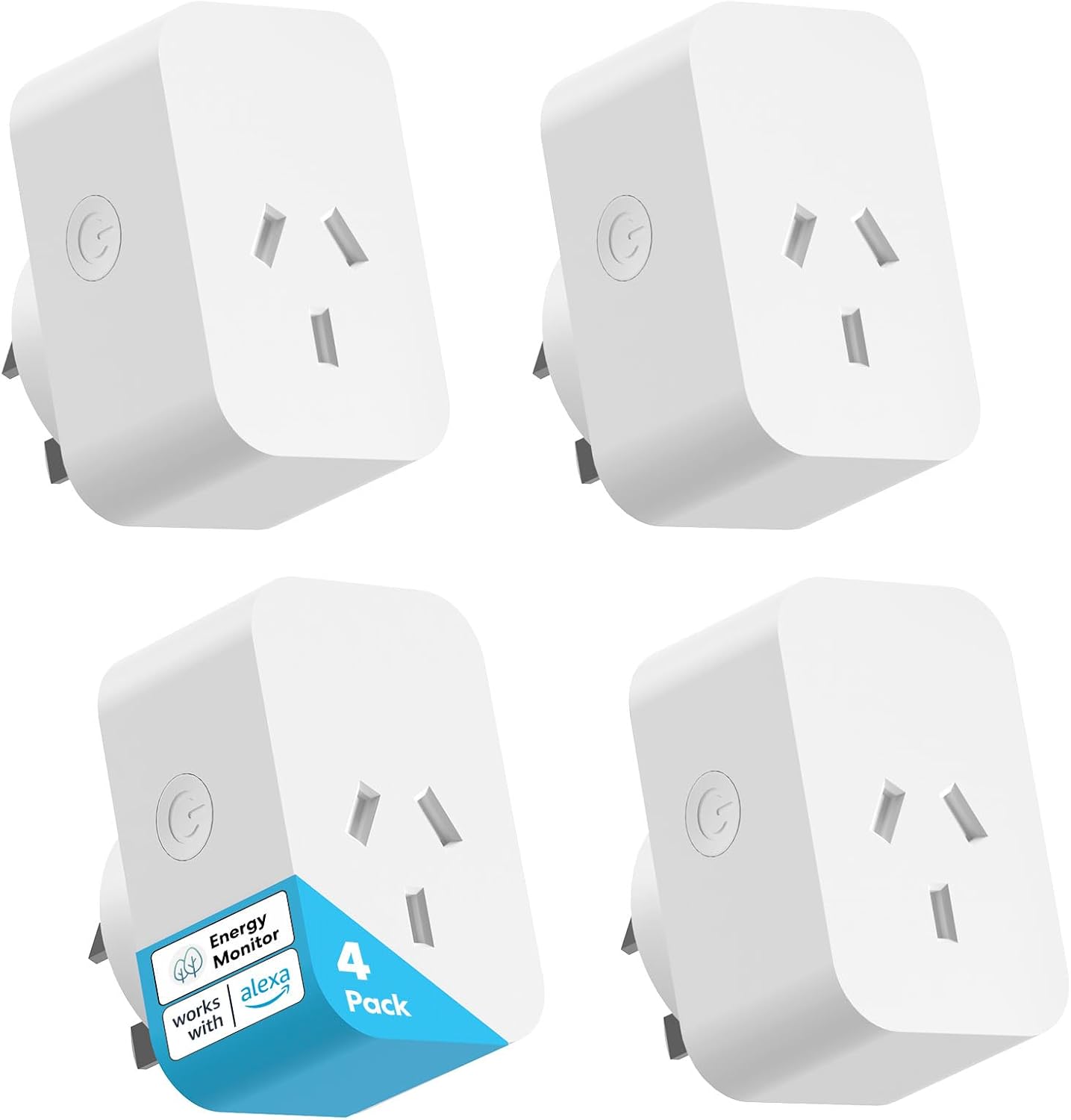
The Meross Mini 10A 4-pack is the cheapest honest way to instrument a whole house at the device level. Four V0 fire-resistant smart plugs, real-time monitoring, historical consumption, offline routines (timers keep running if your NBN drops) and Alexa/Google/SmartThings voice support. 4.6 stars across 353 reviews.
One on the fridge, one on the entertainment unit, one on the office, one on the laundry power board, four months of real per-device data, no electrician needed. The Meross cloud is fine; the local-control story is weaker than Tapo's, so if Home Assistant integration matters most, the Tapo is friendlier. The Meross 4-pack wins on cost-per-circuit-measured.
Best for: Households instrumenting four outlets in one go without an electrician callout. Skip if you specifically need Home Assistant local-LAN control on every plug: the Tapo is friendlier there.
Channels: 4 outlets • Max: 10A each • API: Meross cloud + partial local • Hub: none • Form: 4× wall plug
View on Amazon AU Full specs
Depisuta Tuya Smart Life 200A Energy Meter (Bidirectional CT)
ASIN B0H5YFKFJX • $77.97 • Depisuta AU
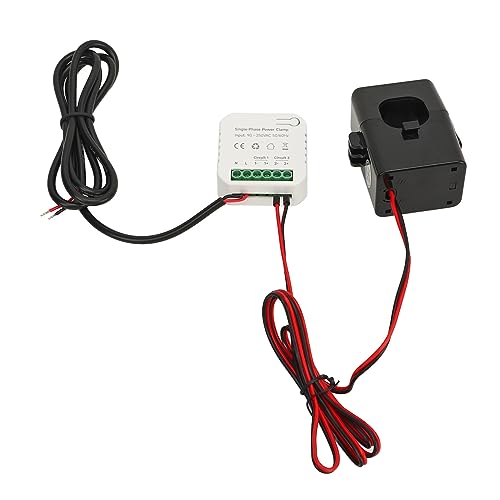
This is a Tuya-protocol meter sold under the Depisuta brand on Amazon AU: a single 200A CT clamp, bidirectional (grid-in and solar-export) whole-home monitor that runs through the Tuya / Smart Life app. Being a Tuya device it exposes to Home Assistant via the Local Tuya integration. It reports voltage, current, power factor and active power, updating about every 15 seconds. It is a niche listing with little review history, so weight it accordingly.
Honest framing: Depisuta is a no-name reseller of a Tuya reference design, not a brand with a track record. I include it because some Australian homes are single-phase and don't want to pay Shelly money. For that buyer this meter covers the basics: the Tuya local API is real and the Local Tuya path into Home Assistant works for these devices.
Where it loses to the Shelly: a single CT rather than per-phase channels, no five-year warranty behind it, and a far smaller community for troubleshooting. If you can stretch to the Shelly Pro 3EM, do it.
Channels: 1 CT (single-phase) • Max: 200A • API: Tuya / Smart Life cloud + Local Tuya (HA) • Hub: none • Form: 35mm DIN-rail mount
View on Amazon AU Full specsSide-by-side comparison
| Product | Price | Best for |
|---|---|---|
| meross Mini Smart Plug with Energy Monitor… | ~$25.24 | |
| Tapo P100 Smart | ~$20.00 | |
| Tapo P110 Energy Monitoring Smart | ~$22.00 | |
| meross Mini Smart Plug with Energy Monitor… | ~$36.99 | |
| meross Matter Smart Plug Mini 2 Pack | ~$49.99 | |
| Depisuta Bidirectional Solar Grid WiFi… | ~$77.97 | |
| meross Mini Smart Plug with Energy Monitor… | ~$69.99 | |
| meross Matter Smart Plug Mini 4 Pack | ~$89.99 |
Sample rate, retention and API caveats matter as much as headline ratings. Read the next two sections before you click.
Phases, CT clamps, and why solar makes it tricky
Most Australian homes built before ~2000 are single-phase. Newer builds, ducted reverse-cycle, pool homes and fast-EV-charging homes are typically 3-phase. Open your switchboard cover (don't touch anything, just look), count the actives into the main switch: one or three. If you don't know, ask your electrician.
CT clamps are non-invasive: they snap around the cable and measure current via its magnetic field. Voltage is measured separately at a screw terminal; the meter multiplies them and corrects for power factor so you see real watts, not inflated VA.
Solar makes it interesting. A single-phase inverter on Phase A of a 3-phase home will show negative power on Phase A during the day (that's export). Phases B and C only ever show consumption, they're never offset by export. If your washing machine runs on Phase B at noon, you bought that energy at retail while your solar exported at feed-in-tariff rates on Phase A. Usually small, occasionally costly over a year.
Time-of-use tariffs are the other axis. If your retailer charges 50c/kWh from 4–9pm and 25c/kWh otherwise, when you use a kWh matters as much as whether. Look for time-bucket reporting: Shelly does it well, Tapo and Meross do it via the app, the Tuya meter does it crudely via Smart Life schedules.
From the bench: six months on a Shelly 3EM at home
I run a Shelly 3EM on the main switchboard at our place in Erina. The home is 3-phase. The solar inverter is single-phase on Phase A. Home Assistant on a Raspberry Pi pulls Shelly data via the local API every second, soil-moisture sensors and a Bresser weather station feed in over MQTT, and a Gemini-powered hourly automation summarises what the house just did. Six months of this and a few things surprised me.
The oven on standby was drawing real power. ~4.5W continuous, roughly 39 kWh a year, $14 at our current tariff, just for the clock and capacitive touch panel to stay alive. The microwave was closer to 3W but with standby behaviour that climbed as ambient warmed up, that's a leaky filter cap on the standby supply, worth fixing before the rest of the unit goes.
Vampire loads were concentrated on Phase B. The entertainment cluster, the office and the standby chargers happen to share Phase B. Overnight base load with everyone asleep was 184W: fridges, network gear, garage door standby, two heat-pump water-heater controllers idling, a few smart-home hubs, and a soldering station I'd left on at the wall (whoops). At our tariff that's ~$400 a year, ~30W of it solidly avoidable. Killing the soldering station and shifting the second fridge onto a Tapo P110 dropped overnight base load to 152W.
The Shelly caught a fridge compressor anomaly before I did. Kitchen fridge runs ~80W when the compressor's on, idle ~6W. Normal duty cycle is around 30% on a 30°C day. Across two weeks in March the duty cycle climbed from ~25% to ~45% with no obvious reason. The Gemini summary flagged it before I checked the graphs. Door seal had failed at the bottom corner, only visible if you got down low. $40 fix. Without the meter I'd have noticed when the freezer iced up two months later, by which point I'd have paid the extra electricity and lost a fridge full of food.
What the Shelly did NOT tell me: which circuit. The 3EM measures phase totals. When Phase B base load was 60W I knew it was Phase B, not whether it was the entertainment unit, the office or the garage. To split that you either run multi-channel sub-metering (one CT per breaker, expensive fast) or add plug-level monitors at the suspects and measure your way down. I went plug-level, three Tapo P110s, one per room, and the unknowns dropped to ~12W in a week. The Shelly was the diagnostic; the plug monitors were the scalpel.
How to install and use these properly
Plug-level (Tapo, Meross): plug in, install the app, connect to 2.4GHz Wi-Fi. Set your tariff so the kWh-to-dollar conversion is real. Don't trust the first 24 hours: duty-cycle devices like fridges need 3–7 days for an honest baseline. Compare running watts to plate rating: a 100W TV drawing 140W when you think it's off is a fault, not a measurement error.
Whole-home (Shelly, Tuya): electrician install. Schedule it as a 1-hour callout: most sparkies will do it while already on site for something else. CT-clamp arrows must point towards the loads; a reversed clamp shows negative power even when consuming. Confirm voltage reads ~230V: anything above 253V means wired wrong or a grid issue to report to Ausgrid, Endeavour or Essential.
Home Assistant users: use the Shelly local integration, not cloud. Latency drops from ~5 seconds to ~1, and you stop being affected by Shelly cloud outages. For Tuya, install Local Tuya via HACS and pull the device key: the cloud integration works but lags.
The monitor doesn't fix your bill. It only tells you the truth. Acting on it is on you.
Common mistakes from the repair shop
After 16 years in the workshop, certain failure patterns repeat.
One plug-level monitor and expecting it to cover the house. It can't. One device, one circuit. Useful coverage needs at least three or four plug monitors and ideally a whole-home sitting above them.
Skipping the electrician on the whole-home install. Two customers this year came in having "just clamped it on themselves". Both had reversed CTs, one had the voltage tap on the wrong phase. The data was junk for a month and they nearly replaced a fridge that was fine.
Trusting CT-clamp accuracy below 5% of rated. A clamp rated for 200A reads cleanly down to roughly 10A. Below that the magnetic field is too weak. A big whole-home meter reporting "0.2A" is mostly noise: don't chase a 50W phantom on it, use a plug-level for that.
Ignoring inverter phase placement. Single-phase inverter on Phase A of a 3-phase home means Phases B and C never see export offset. If the meter says you exported 12kWh today and you're still getting bills, check which phase the big loads are on relative to the inverter. Sometimes the fix is moving a single circuit at the switchboard, your electrician can tell you if it's worth it.
Believing the cloud will be there forever. Tuya's cloud is fine right now. Meross's is fine right now. Both could shut down a region tomorrow. If your monitoring strategy depends on a vendor cloud existing in 2030, you're building on sand. Insist on local API support: Shelly and Tapo (with the local LAN protocol enabled) both pass.
Not adjusting for time-of-use. A 2,000W heater running 4–6pm on a TOU tariff costs roughly twice what it costs running 1–3am. A monitor that only sums daily kWh hides that.
Frequently asked questions
Do I need a smart energy monitor if I already have a smart meter?
The smart meter your retailer installed measures total household consumption for billing every 30 minutes and the data lags. A smart energy monitor in your switchboard reads in real time and gives per-phase visibility the smart meter doesn't surface. Different jobs.
Will installing a whole-home energy monitor void my electrical certification?
Plug-level monitors plug into a wall socket and have no certification impact. Whole-home monitors install inside the switchboard and must be fitted by a licensed electrician in Australia. Done correctly they do not affect your switchboard certification.
Can these energy monitors track my solar export?
Shelly Pro 3EM yes, it reports export as negative power on whichever phase your inverter is wired to. The Depisuta 200A Tuya meter does the same with correct CT direction. Plug-level monitors cannot, they sit downstream of the inverter.
Can I use a smart plug to monitor an EV charger?
No. A 7kW single-phase EV charger draws about 30A continuous and a 22kW 3-phase charger draws about 32A per phase. The Shelly Pro 3EM (120A per channel) and Depisuta 200A Tuya meters handle this. 10A plug-level smart plugs cannot, never plug an EV charger into one.
Do I need Home Assistant to use these?
No. The Tapo, Meross and Shelly apps are usable on their own. Home Assistant adds value if you want to combine energy data with other sensors and run automations. If a phone app showing yesterday's kWh is enough, skip Home Assistant.
Do these monitors work during a blackout?
Plug-level monitors lose power with the wall socket. Whole-home monitors keep logging while powered but lose cloud access without internet. None of these devices will help you survive a blackout. For that, pair the monitor with a portable power station.
So what should you actually buy?
For a typical Central Coast household in 2026:
- Chasing one device on a single-phase home? One Tapo P110.
- Full-house visibility on a budget, no electrician callout? Meross Mini 4-pack, one per room.
- 3-phase home with solar, you want the diagnostic layer? Shelly Pro 3EM plus 2–3 Tapo plugs at suspect outlets. The tiering I run myself.
- Single-phase, want whole-home, won't pay Shelly money? Depisuta 200A Tuya meter: eyes open on the thin review history.
The biggest mistake is buying one plug-level monitor and expecting it to cover a whole house. The second biggest is installing a whole-home meter yourself and trusting the data with a reversed CT. Get the right tier for your house and pay an electrician for the switchboard work.
Pair this with our best portable power stations guide for blackout backup, browse the full energy monitors category for every model we've vetted, or our hardware security keys guide if you're already locking down the smart home and want to harden the accounts that run it. Protecting the home itself as well? Our no-subscription security camera systems guide covers the local-storage PoE kits we'd actually wire in.
On the Central Coast and want help picking the right monitor for your switchboard, or you've got a fridge drawing too much and suspect the compressor? Bring it to our Erina workshop and we will take a look.
Need help fitting a switchboard monitor?
If you'd like a hand picking the right energy monitor for your home, scoping the install with an electrician, or chasing a high-bill culprit in the workshop, we're happy to help on the Central Coast.