
Prices from Amazon AU, checked 12 August 2026. Drag, swipe or use the arrows.
Disclosure: This article contains affiliate links to amazon.com.au. If you buy through one of these links iFix may earn a small commission at no extra cost to you. It doesn't change which products we recommend. We focus on what actually lasts based on 16 years of repair-shop experience.
Quick summary
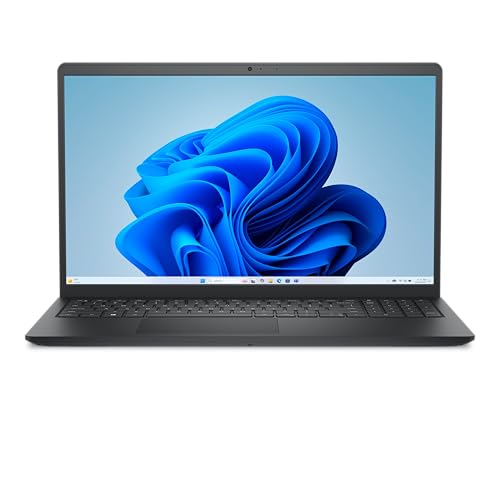
- CheapestDell 16 Laptop about $899512 GB SSD, 120 Hz refresh.
- AppleApple 2026 MacBook Neo about $1,047
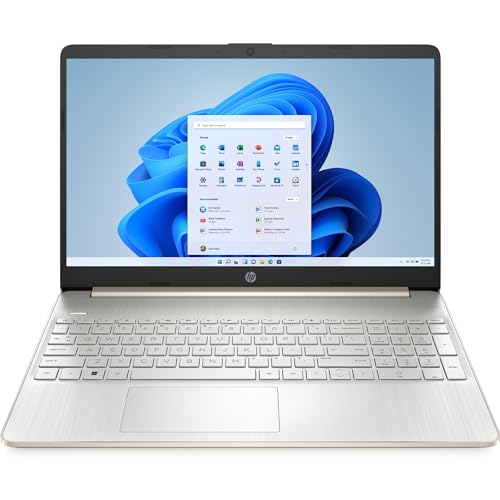
- HPHP 15” Laptop about $1,09716GB RAM, 15" screen.
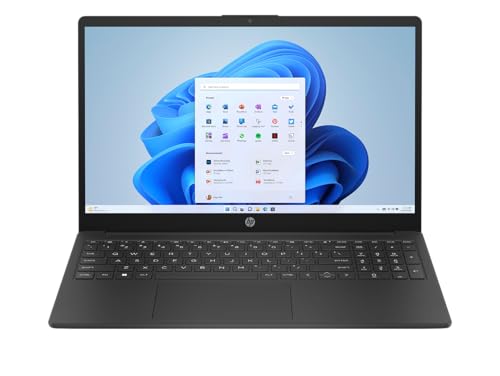
- HPHP 15.6″ Laptop about $1,12916GB RAM, 256GB SSD.
- HPHP 15.6″ Laptop about $1,26916GB RAM, 256GB SSD.
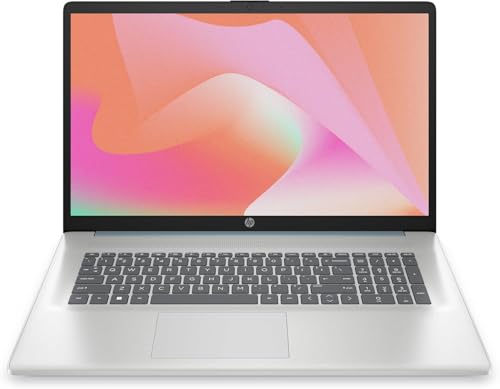
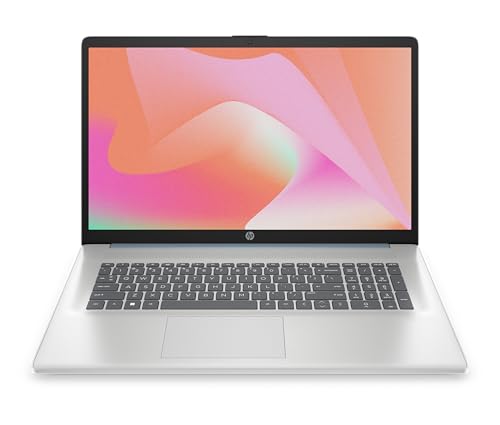
- HPHP 17.3″ Laptop about $1,29816 GB RAM, 512 GB SSD.
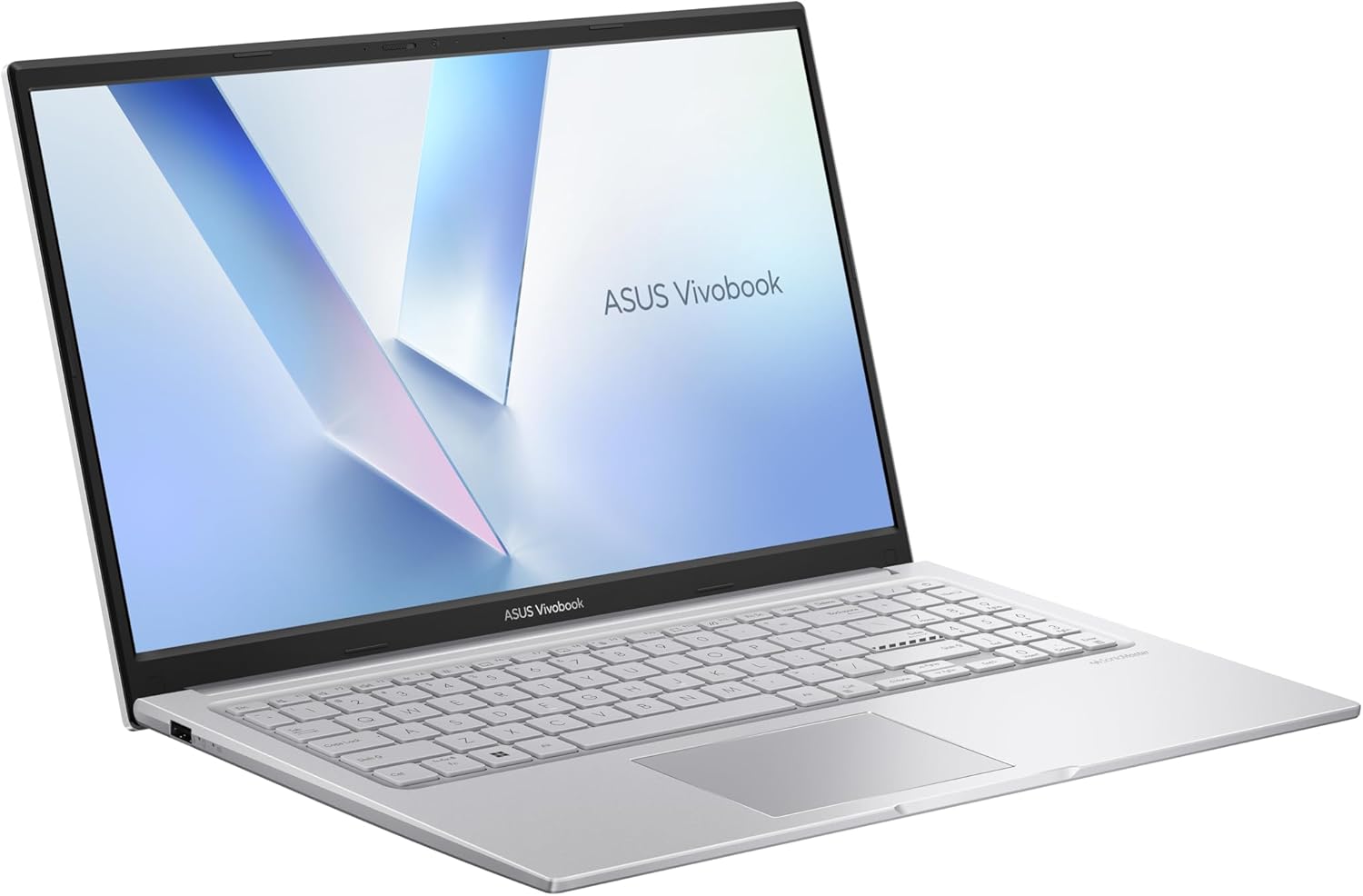
- Most PremiumASUS Vivobook 15 Lifestyle Laptop. 15.6"… about $1,39916GB RAM, 15.6" screen.
Why $900 to $1,400, and why not cheaper?
This guide deliberately starts at $899. Below roughly $800 the compromises stop being about speed and start being about lifespan: soldered 8GB memory, eMMC storage instead of a real SSD, and plastic hinge mounts that we see crack in year two. If your budget is genuinely under $800, we have a separate guide to the best budget laptops that covers what is worth buying down there.
The band this page covers is where the value sits for most people. Every pick below has 16GB of RAM or Apple silicon equivalent, a proper NVMe SSD, and parts we can actually source in Australia when something fails. That last point matters more than any benchmark score.
Side-by-side comparison
| Product | Price | Best for |
|---|---|---|
| Dell 16 Laptop | ~$899 | |
| Apple 2026 MacBook Neo | ~$1,047 | |
| HP 15” Laptop | ~$1,097 | |
| HP 15.6″ Laptop | ~$1,129 | |
| HP 15.6″ Laptop | ~$1,269 | |
| HP 17.3″ Laptop | ~$1,298 | |
| ASUS Vivobook 15 Lifestyle Laptop. 15.6"… | ~$1,399 |
What we see fail at the bench: 16 years of laptop service work
Laptops are the single largest repair category at iFix. We see hundreds of laptops a year across every brand and price point. The failure modes are remarkably consistent, cheap laptops just hit them faster. Here's what genuinely fails over the lifecycle, drawn from years of bench work:
Battery degradation is universal: the only question is "how fast"
Every lithium-ion laptop battery loses capacity over time. The question is whether you reach 50% capacity at year 18 months (cheap laptops with poor charge management) or year 4 (premium laptops with intelligent charge limits). At the $1,000-$1,500 tier the picks in this guide use modern battery management with adaptive charge limits, the OS learns your patterns and avoids holding the battery at 100% unnecessarily, which doubles useful battery life. Symptoms of degradation: runtime drops from 8 hours to 3 hours, sudden shutdowns at 30-40% indicated charge, battery swelling that lifts the trackpad. Replacement battery cost is typically $150-250 at year 3-4, budget for it and the laptop runs another 3-4 years. Use Battery Limiter or BIOS charge threshold settings (Lenovo Vantage, ASUS MyASUS, or third-party tools) to cap charging at 80% for daily desk use to extend battery service life dramatically.
USB-C charging port wear: the most common service item
USB-C is the universal charging port on every modern laptop, including every pick here. USB-C connectors are rated for around 10,000 insertion cycles, sounds like a lot until you're plugging and unplugging twice daily for 5+ years. We see the failure mode as intermittent charging (charge cuts out when you nudge the cable, or the laptop won't charge until you angle the cable just so), followed eventually by complete port failure. The repair is a board-level desoldering job, $180-280 typically. Mitigation: use a magnetic USB-C adapter (around $30-40 on Amazon) so cable wear happens on the cheap adapter, not the soldered laptop port.
Keyboard liquid spills: the #1 catastrophic failure
Coffee, tea, water, wine, we see all of them at the bench. Modern laptops have some splash resistance under the keyboard but it's marginal. Within seconds of a liquid spill, conductive ions corrode keyboard ribbon contacts and (worse) reach the motherboard underneath. The 60-second response window: immediately power off (hold power button 10 seconds), flip the laptop upside down to drain, remove the battery if possible, do NOT power on for at least 48 hours of drying, bring it to a repair shop. If you skip the 48-hour dry, the corrosion gets the motherboard and the laptop is usually a write-off ($1,200+ board replacement on a $1,400 laptop is uneconomical). Keyboard replacement alone if the motherboard survived is typically $250-400.
Display hinge failure: the year 4-5 write-off
The display hinge mechanism is the most stressed mechanical part of any laptop, opened and closed daily, twisted slightly during use, often forced past comfortable angles. Around year 4-5 of normal use we see hinge failures: the hinge becomes loose (display flops back instead of holding position), or in worse cases the plastic chassis cracks around the hinge mount. Hinge replacement is one of the most labour-intensive laptop repairs because it requires almost full disassembly, budget $300-500. Cheap laptops typically have weaker hinge designs and we see them fail at year 2-3 instead. The picks in this guide are at the price point where hinges are properly engineered for 5+ year lifespans.
Fan bearing failure and thermal throttling
Laptop cooling fans run continuously when the CPU is under load. The fan bearings have a service life, typically 3-5 years of regular use, before they develop noise (whirring, ticking, rattling) and eventually seize. Before total fan failure, the symptoms are: louder fan noise than when new, CPU temperatures running hotter, apps suddenly slowing during sustained workloads (the CPU is throttling itself to prevent damage). Fan replacement is typically $150-220 including thermal paste refresh. Annual cleaning of dust from the fan intake vents extends fan life significantly, especially relevant for laptops in dusty home offices or kept on carpet.
SSD wear: less common at this price tier
NVMe SSDs in modern laptops have endurance ratings measured in TBW (TeraBytes Written). Consumer NVMe drives typically rate 600-1,200 TBW before manufacturer-spec endurance is exhausted, that's 5-8 years of typical use writing 200-400GB per day. We rarely see SSD failures at the $1,000+ tier (the drives are decent quality) but we see them constantly at the sub-$700 tier (cheaper eMMC or low-TBW NVMe drives). All three picks in this guide use proper NVMe SSDs that are replaceable via a service panel, if the drive fails at year 5-7, a $100-180 replacement keeps the laptop running. Make regular backups regardless, SSD failure is sudden, not gradual, and data recovery from a failed NAND chip is expensive.
The 1-year warranty trap: know your ACL rights
Every consumer laptop in Australia ships with a 1-year manufacturer warranty. What many buyers don't realise is that Australian Consumer Law (ACL) provides additional consumer guarantees that extend well beyond the manufacturer warranty period. ACL requires that goods last a "reasonable period" given the price paid, for a $1,000+ laptop, courts and the ACCC have consistently held that reasonable means 3-4 years for major component failure (motherboard, SSD, display panel, battery). If your laptop fails at 18 months with a motherboard fault, you have legitimate grounds for repair, replacement, or refund under ACL, regardless of the 1-year manufacturer warranty. Document any failure carefully, escalate calmly through retailer customer service first, and reference "Australian Consumer Law" and "major failure" in written communications. The retailer is the responsible party under ACL, not the manufacturer.
Why $1,000+ laptops outlast $500 laptops by 2-3×
This is the bottom line from 16 years of laptop service: laptop lifespan is roughly linear with purchase price up to about $1,500, then flattens. A $500 laptop lasts 1.5-2 years before something significant fails. A $1,000-$1,200 laptop lasts 4-5 years. A $1,500 laptop lasts 5-7 years. Above $1,500, the additional money buys you premium features (better screens, lighter weight, premium materials) but not dramatically more lifespan, a $3,000 laptop and a $1,500 laptop both last 5-7 years on average. The picks in this guide sit at the price point with the best lifespan-per-dollar curve. Going cheaper costs you more over time.
Decision tree: which laptop is right for you?
- Tightest budget that we would still service? → Dell 16 at $899. A 120Hz 15.6 inch screen at this price is unusual, and parts are easy to get in Australia.
- One machine for everything, and you are not tied to Windows? → Apple MacBook Neo 13 inch at $1,047. Fanless, so there is no cooling system to clog, and it holds resale value better than anything else here.
- Most Windows machine per dollar? → HP 15 inch Ryzen 5 at $1,097. 16GB and 512GB for the least money of any Windows pick here.
- Want a touchscreen that folds into a tablet? → Lenovo IdeaPad 5 2-in-1 at $1,247. The 14 inch OLED is the best screen in this guide.
- Spreadsheets, or eyes that prefer a big display? → HP 17.3 inch at $1,298. Full number pad, but it is a desk machine, not a commuter.
- Want the most storage you can get under $1,400? → ASUS Vivobook 15 at $1,399. 1TB, which is double most of this list.
- Under $800 to spend? → This is the wrong guide. See best budget laptops under $800, where we cover what is actually worth buying at that price.
- Serious gaming, or need discrete graphics? → Nothing here has a dedicated GPU. See gaming laptops under $1,500.
- Rugged build for a tradie or fieldwork? → None of these. Look at business-tier ThinkPad or HP EliteBook with MIL-STD-810H certification.
- Primarily a desk computer? → Consider a mini PC instead.
Frequently asked questions
Is a $900 to $1,400 laptop worth it over a $500 one?
Yes, and it is the single biggest predictor of how long the machine lasts. At the bench we see sub-$600 laptops arrive with soldered 8GB RAM, slow eMMC storage and plastic hinge mounts that crack in year two. Machines in the $900 to $1,400 band almost always have 16GB RAM, a proper NVMe SSD and a metal hinge anchor. That is the difference between a laptop you replace in three years and one you replace in six.
How much RAM and storage do I actually need in 2026?
16GB of RAM and 512GB of storage is the sensible floor for a machine you want to keep five years. 8GB still works today but Windows 11 plus a browser with twenty tabs will swap to disk constantly, which both slows the machine and wears the SSD. Storage is the easier one to live with, since you can add an external drive, but RAM is soldered on most laptops in this band and cannot be upgraded later.
Should I buy AMD Ryzen or Intel Core?
For everyday work in this price range there is no meaningful difference in reliability, and we service both in similar numbers. Ryzen tends to give slightly better battery life and value at the lower end, Intel tends to have better external display and Thunderbolt support. Pick on RAM, storage and screen quality first, and treat the processor brand as a tiebreaker.
Is the MacBook worth it over a Windows laptop at this price?
If the person is not tied to Windows software, the MacBook Neo is the pick we recommend most often in this band. It runs fanless so there is no dust-clogged cooling to fail, battery life is genuinely all-day, and resale value after three years is far higher than any Windows laptop here. The trade-offs are a smaller 13-inch screen, 256GB of storage, and that Windows-only work software will not run natively.
What actually fails on laptops in this price range?
In order of how often we see it at the bench: battery degradation at three to four years, USB-C charging port wear from repeated plugging, keyboard liquid spills, and display hinge failure around year four to five. None of those are brand-specific. All except the spill are cheap to repair if you catch them early, which is why we favour machines with parts availability in Australia.
Prices from Amazon AU, checked 12 August 2026. Drag, swipe or use the arrows.
Related buying guides
Laptop won't charge, screen cracked, or running slow?
Before you replace it, bring it into our Erina workshop or give us a call. 16 years of laptop repair means most "dead" laptops are economically fixable: battery replacement, USB-C port resolder, keyboard swap, screen replacement, and run another 3-5 years. We diagnose for free; you decide whether to repair or replace.
Call (02) 4311 6146 Book Online