
Prices from Amazon AU, updated daily. Swipe or use the arrows for more.
Disclosure: This article contains affiliate links to amazon.com.au. If you buy through one of these links iFix may earn a small commission at no extra cost to you. It doesn't change which products we recommend. We focus on what actually lasts based on 16 years of repair-shop experience.
Quick summary8 picks
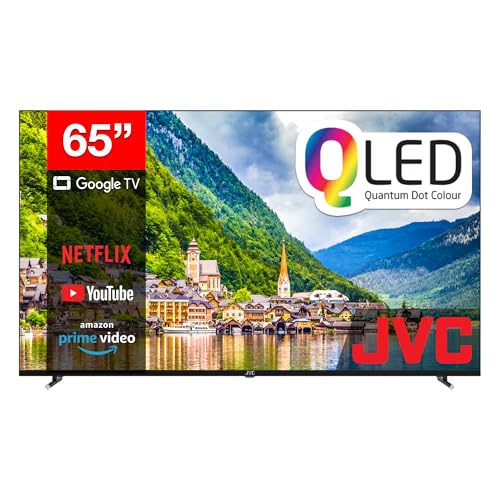
- Entry PickJVC 65" 4K QLED Google TV - AV-AQ657155A about$817.0865" screen, QLED.
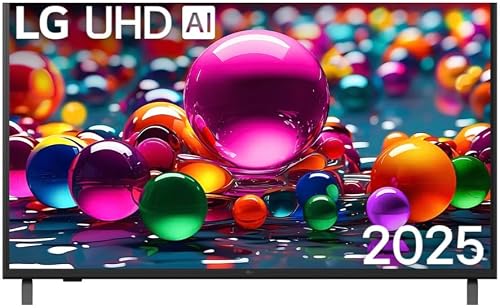
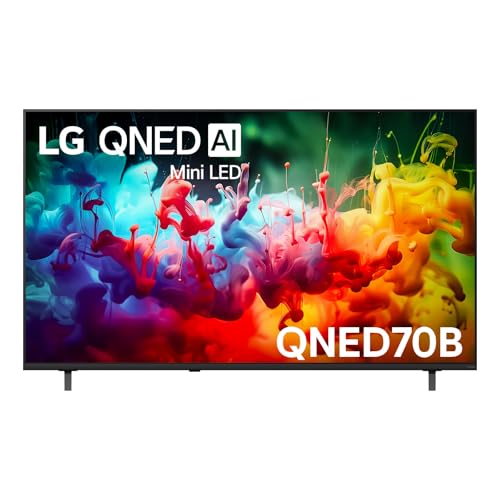
- LG 65" QNED70B AI MINI LED 4K SMART TV 2026 about$98565" screen.
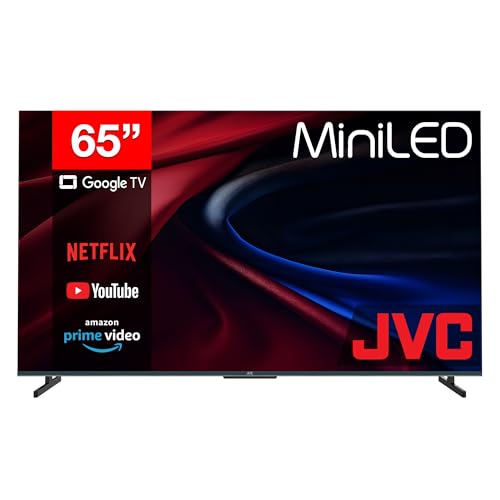
- JVC 65" 4K Mini LED 144Hz Google TV about$1,135.26144Hz refresh, 65" screen, Mini LED.
- LG 65" 4K UHD AI Smart TV (65UA841C) about$1,24965" screen, webOS, AirPlay 2 and Google Cast.
- SKYWORTH 65" QD-Mini LED 4K Google TV (65X6600H) about$1,345120Hz Turbo, 65" screen, matte QD-Mini LED.
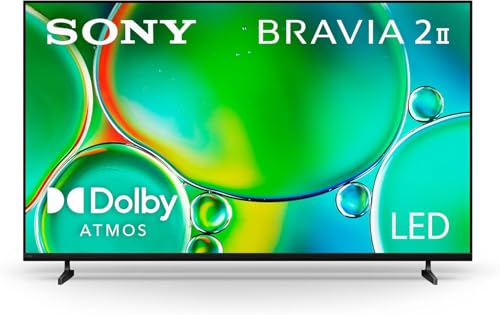
- Sony 65" BRAVIA 2 II 4K HDR Google TV (K-65S20M2) about$1,69965" screen, X1 HDR processor, Dolby Atmos.
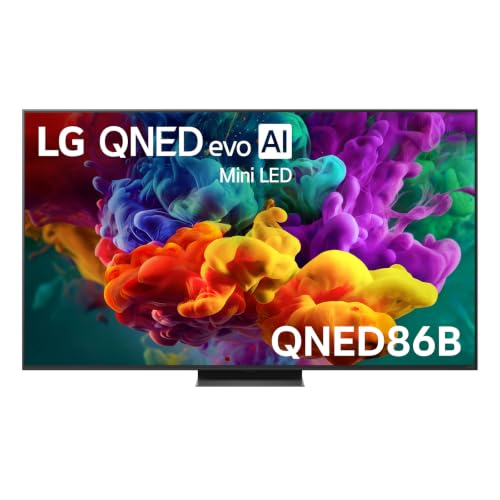
- Most PremiumLG QNED86B Evo AI Mini LED 4K Smart 2026… about$1,929144Hz refresh.
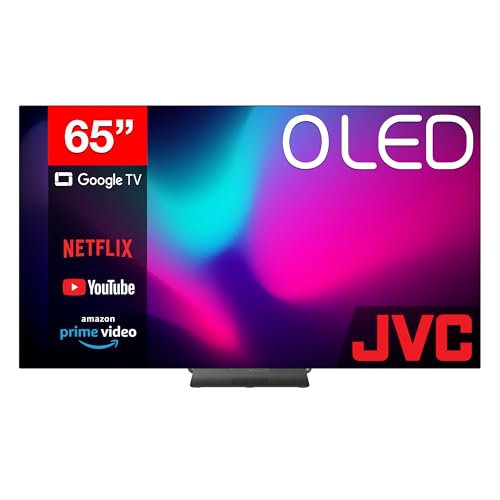
- JVC 65" 4K OLED 120Hz Google TV - AV-AE657155A about$1,910.19120Hz refresh, 65" screen, OLED.
Price watch
Prices checked 2 Nov 2026, 4:38amEach pick's Amazon AU price today, next to the lowest price iFix has tracked for that listing. We check every morning, so you can tell a genuine low from a normal price with a sale badge on it.
| Pick | Today | Lowest tracked | Verdict | |
|---|---|---|---|---|
| JVC 65" 4K QLED Google TV - AV-AQ657155A | $817.08 | $805.53 | Lowest we've tracked | Check price |
| LG 65" 4K UHD AI Smart TV (65UA841C) | $1,249 | – | Building history | Check price |
| Sony 65" BRAVIA 2 II 4K HDR Google TV (K-65S20M2) | $1,699 | – | Building history | Check price |
| JVC 65" 4K Mini LED 144Hz Google TV | $1,135.26 | – | Building history | Check price |
| LG 65" QNED70B AI MINI LED 4K SMART TV 2026 | $985 | $945 | Close to its low | Check price |
| SKYWORTH 65" QD-Mini LED 4K Google TV (65X6600H) | $1,345 | – | Building history | Check price |
| LG QNED86B Evo AI Mini LED 4K Smart | $1,929 | $1,410 | Above its recent low | Check price |
| JVC 65" 4K OLED 120Hz Google TV - AV-AE657155A | $1,910.19 | $1,884.99 | Lowest we've tracked | Check price |
Lowest tracked means the lowest Amazon AU price iFix has recorded for that listing since 15 September 2026, not an all-time low. A verdict appears once a listing has 14 days of history and a live Buy Box offer. Prices change through the day; Amazon's checkout price is the one that counts. Every TV we track, by size. See every tracked price drop.
Why this matters now
Most "best TV" lists are written by people who have never taken the back off one after it failed. I have taken the back off hundreds. The useful thing a repair bench teaches you about televisions is not which one wins a brightness shoot-out in a dark room. It is which panels come back, and why, and what they cost to keep running once they are on the wall.
The running-cost part is not a throwaway line in 2026. Electricity is up roughly 47% since 2019 on the ABS Consumer Price Index, the fastest-moving line in most household budgets, so the TV that sits on for six hours a night is a small standing cost, not a free one. That cuts the other way too, though. A cinema outing for a family of four lands around $120 by the time you have paid for tickets and a couple of snacks. A good 65-inch TV at $1,700, watched a few nights a week for five years, works out to cents an hour. The home screen is the low-cost entertainment now, and it stays that way once it is paid off. The maths is the same one we ran on home-cinema projectors: the hardware pays for itself in nights out you did not take.
So the question is not "which TV is brightest". It is "which panel suits my room, survives the way my family actually uses it, and does not cost a fortune to run". That is a repair tech's question, and it is the one this guide answers.
What actually fails in a TV
Before the picks, the thing no showroom will tell you: it is almost never the panel that dies. Across 16 years the two faults that fill our bench are the backlight and the power-supply board.
- Backlight LEDs. On any LED-backlit set, that is every Mini-LED and full-array TV here, the picture is lit by LEDs behind the panel. When those age or fail you get dim patches, a pink or grey cast, or a screen that stays black while the sound plays on. It is the single most common TV fault we see, and on many sets it is a fixable board or LED-strip job rather than a write-off.
- Power-supply board. The other big one. A TV that clicks and will not start, or turns on then drops out after a second, usually has failed capacitors or a fault on the PSU board. Board-level repair, not a new TV.
- HDMI ports and ribbons. A dead HDMI input or a cracked internal ribbon cable shows up as no signal on one port or lines across the screen. Component-level fixes, both.
- The panel itself. The one part that genuinely writes a TV off is physical damage to the LCD or OLED panel, a cracked screen or an internal panel fault. That single part usually costs more than the set is worth. Everything else on this list is fair game for repair.
Which brands do we see least? It is closer than the forums claim, but the Japanese and Korean majors, Sony, LG, Samsung, come back for board-level faults less often than the lowest-cost no-name panels, and they have parts and service support behind them when they do. That is baked into the picks below.
OLED vs Mini-LED, honestly
Two panel technologies dominate this price bracket, and the choice between them is the most important decision you will make. Here is the straight version, no marketing.
OLED makes light at every pixel, so a black pixel is genuinely off, no backlight, no glow. That gives you perfect blacks, infinite contrast and the best picture in a controlled-light room. The trade-offs are two: OLED does not go as bright as Mini-LED, so a sun-filled room can wash it out; and static bright elements left on for thousands of hours can, in the worst case, cause burn-in. For a dedicated movie room or an evening viewer, OLED is the better picture, full stop.
Mini-LED is an LED-backlit LCD with thousands of tiny LEDs grouped into dimming zones. It cannot switch a single pixel fully off the way OLED can, so blacks are very good rather than perfect, but it goes much brighter, handles a bright room far better, and has zero burn-in risk. For a family TV in an open-plan space that stays on all day, Mini-LED is the sensible, durable choice.
Neither is "better" in the abstract. Match the panel to the light in your room and the way you watch, and you will be happy for years.
The four picks, by room and use
Prices are checked against Amazon AU every morning and move week to week on TVs, so treat every figure as "around". The list runs in price order, top to bottom. All four are 65-inch sets: one OLED for a room you can darken, and three Mini LED sets for brighter rooms, including a matte-screen option for lounges full of windows.
JVC 65" 4K OLED 120Hz Google TV (AV-AE657155A), around $1,919
65" 4K OLED · 120Hz · Google TV 3.0 · 4x HDMI (1x ARC) · Google Cast · around $1,910.19 · Ships from Amazon AU
This is the pick if what you want is the best possible picture in a room you can darken, and you do not want to pay flagship OLED money to get it. A full 65-inch OLED panel at under $2,000 is the story here. That price usually buys a 48 or 55-inch OLED, so JVC is putting a big self-lit screen within reach. Every pixel makes its own light, which means blacks are truly black, contrast is effectively infinite, and a night scene has no backlight bleed or haloing around bright objects. In the workshop I judge a panel by what it does with a dark image, and OLED is still the one to beat.
The running-cost note. OLED draws power in step with how bright the picture is, so a moody film sips while a bright daytime broadcast pulls more. Over a mixed week it typically lands a touch below a comparably bright Mini-LED. It is the panel type that rewards you for watching in the dark, which is how you would want to watch it anyway.
What to be sure of. OLED is a night-room panel. In a bright sunlit lounge it will not punch through glare the way the Mini-LED below does, so be honest about your light. And as with any OLED, avoid leaving one static bright graphic on screen for ten hours a day. Normal mixed viewing is a non-issue.
Best for: the movie watcher with a lounge they can dim, who wants genuine big-screen OLED contrast without the premium-brand price.
Panel: 65" 4K OLED (self-lit) · Refresh: 120Hz · Smart: Google TV 3.0, Google Cast · Inputs: 4x HDMI (1x ARC), 3x USB, antenna, optical out · Running cost: scales with brightness, lowest on dark content · Warranty: manufacturer + Australian Consumer Law
Check current AU price
SKYWORTH 65" QD-Mini LED 4K Google TV, matte screen (65X6600H)
65" 4K QD-Mini LED · matte anti-glare · 120Hz Turbo · Dolby Vision + Atmos · Google TV · Sold by SKYWORTH Australia
The SKYWORTH 65X6600H is the matte-screen pick, and it's here because the room it suits is the one most Australian lounges actually are: big windows, a lot of daylight and a TV on the wall opposite. It's a QD-Mini LED set, which means a zoned Mini LED backlight behind a quantum dot colour layer, and the screen has a matte anti-glare finish rather than the usual mirror-like gloss. It's sold by SKYWORTH Australia, the brand's own AU storefront on Amazon, which is the seller I'd want behind a set this size.
The running-cost note. Like the other Mini LED sets here the backlight stays lit while the screen is on, so the draw is steady rather than scene-dependent the way an OLED's is. The listing doesn't state a wattage, so read the energy label before comparing it with the LG QNED and the JVC. Bright rooms tend to push people into the brighter picture modes, which is where any backlit set draws most.
Where it earns its keep. The listing names Dolby Vision and Dolby Atmos, HDMI 2.1, a 120Hz Turbo Mode for sport and games, 30W of speakers and Google TV with a voice remote that you can make ring when it's lost down the couch. The matte screen is the real reason to pick it, though. Glare washes out a glossy screen in a sunny room long before contrast becomes the problem, and a matte finish knocks that back without you having to rearrange the furniture.
What to be sure of. SKYWORTH has no Amazon AU sales rank on this listing yet, so it can't point to the sales history the LG and JVC sets have. The listing gives a 1 year warranty and no HDMI port count, so confirm the inputs before you plan a soundbar and console around it. At around 20 kg per the listing weight, it's a two-person job on a wall bracket, and the bracket wants to be rated for it.
Best for: a bright, window-heavy lounge where glare is the bigger problem than black level, and you want 65 inches of Mini LED from the brand's own AU storefront.
Panel: 65" 4K QD-Mini LED, matte anti-glare · Refresh: 120Hz Turbo Mode · HDR + audio: Dolby Vision, Dolby Atmos, 30W speakers · Inputs: HDMI 2.1 (port count not stated on the listing) · Smart: Google TV, voice remote with find-my-remote · Model: 65X6600H · Warranty: 1 year + Australian Consumer Law
Check current AU price
LG QNED86B Evo AI Mini-LED 65" 4K Smart TV (2026), around $1,575
65" 4K Mini-LED · precision local dimming · Dynamic QNED Colour Pro · 144Hz VRR · webOS · around $1,929 · Ships from Amazon AU
This is the one I point most families at, and it is the pick that suits the widest range of Australian lounge rooms. Mini-LED means thousands of tiny backlight LEDs grouped into dimming zones behind the panel, so you get deep, controlled contrast without OLED's two weak spots. It runs far brighter than any OLED, which is exactly what a sunlit open-plan lounge or a wall of windows needs, and it has zero burn-in risk. Leave the kids' channel with its bright static logo running all afternoon and nothing sticks. LG's Dynamic QNED Colour Pro holds saturated colour even at the high brightness the panel is built for.
The running-cost note. Here is the honest trade. A Mini-LED backlight is always lit while the screen is on, and it draws the most when run at the searing brightness it is capable of. So an all-day, bright-room TV like this will pull more from the wall than an OLED showing the same dark film. You are paying a little more in power for the brightness and the no-burn-in durability. For a family set that stays on, it is usually the right trade.
From the bench. The panel we see fail least when it is genuinely used hard, on all day, static graphics, kids in the room, is a good Mini-LED, precisely because there is no burn-in and the backlight in a major-brand set is a known, serviceable part if it ever does go.
Best for: the main family TV in a bright room that stays on all day, where durability and brightness matter more than the last ounce of black-level perfection.
Panel: 65" 4K Mini-LED (LCD + zoned backlight) · Colour: Dynamic QNED Colour Pro · Gaming: 144Hz VRR · Smart: webOS, updates to 2030 · Running cost: steady draw, highest at high brightness · Warranty: manufacturer + Australian Consumer Law
Check current AU price
JVC 65" 4K Mini LED 144Hz Google TV (AV-A657155A)
65" 4K Mini LED · 144Hz · Google TV 3.0 · Google Cast · 4x HDMI (1x ARC) · Ships from Amazon AU
This is the 65-inch version of JVC's Mini LED set, the AV-A657155A, sold and shipped by Amazon AU and sitting at #35 in Amazon AU's TVs category when I checked. It's the pick I'd put in a bright lounge room where the blinds stay open most of the day. Mini LED is the same zoned-backlight idea as the LG QNED further up the page, so bright scenes stay bright and the backlight can dim behind dark parts of the picture instead of glowing grey across the whole screen.
The running-cost note. A Mini LED backlight stays lit while the screen is on, so it draws more steadily than an OLED showing a dark film. At 65 inches there's a lot of screen to light, so expect it to sit near the LG QNED on power rather than well below it. The listing doesn't state a wattage, so check the energy label on the box before you compare it with the OLEDs.
Where it earns its keep. 144Hz is the line that matters if a console or a gaming PC is going near it, and the connectivity is generous: four HDMI inputs with ARC on one for a soundbar, three USB, an antenna input, an AV input, an optical output and a headphone jack, plus RJ45 for a wired connection. Google TV 3.0 with Cast built in and a Google Assistant voice remote means you're not stuck with a slow proprietary launcher either.
What to be sure of. Mini LED is very good in the dark, not perfect. Beside either OLED here you'll see a little bloom around bright objects on a black background. What you get for that trade is brightness and no burn-in risk, which is the right way round for a room you can't darken. The listing gives a 1 year manufacturer warranty, and Australian Consumer Law covers a fault past that for a reasonable life on a set at this price.
Best for: a bright lounge room or a console setup, where Mini LED brightness and 144Hz at 65 inches beats chasing the last of the black level.
Panel: 65" 4K Mini LED (LCD + zoned backlight) · Refresh: 144Hz · Smart: Google TV 3.0, Google Cast, Assistant voice remote · Inputs: 4x HDMI (1x ARC), 3x USB, AV, antenna, optical out, headphone out, RJ45 · Model: AV-A657155A · Warranty: 1 year manufacturer + Australian Consumer Law
Check current AU priceSide-by-side comparison
Prices are approximate and move week to week. Every pick on this page is a 65-inch set.
| Product | Price | Best for |
|---|---|---|
| JVC 65" 4K Mini LED 144Hz Google TV | ~$1,135.26 | |
| SKYWORTH 65" QD-Mini LED 4K Google TV (65X6600H) | ~$1,345 | |
| LG QNED86B Evo AI Mini LED 4K Smart 2026… | ~$1,929 | |
| JVC 65" 4K OLED 120Hz Google TV - AV-AE657155A | ~$1,910.19 |
How to set one up so it lasts
A TV earns its price by staying good for years. The habits that matter, from the bench:
- Turn the backlight down from showroom brightness. Sets ship in a store-demo mode that runs the panel flat out. Dropping the backlight or brightness a notch cuts running cost, reduces heat, and on OLED lowers any burn-in risk, and the picture usually looks better for it.
- Give it air. The commonest thing that shortens a TV's life is heat trapped in a closed cabinet. Leave a gap behind and above it so the power board and backlight run cool. Heat is what ages capacitors and LEDs early.
- Use HDMI eARC for sound, not the TV speakers. A thin panel has no room for real speakers. One eARC cable to a soundbar carries the full audio, including Atmos from the TV's own apps.
- Put it on decent power. A surge event through a low-cost board is a classic PSU-killer. A basic surge-protected outlet is low-cost insurance on a set worth over a thousand dollars.
- Keep the invoice. Australian Consumer Law reaches well past the manufacturer warranty on a TV at this price. If a board or backlight fails at two or three years, that invoice is what backs your claim.
Common mistakes from the repair shop
The TVs that come in early, or get binned when they did not need to, usually got there through a decision rather than bad luck. The ones worth avoiding:
- Buying OLED for a sun-drenched room. It is the best panel in the dark and the wrong one behind a wall of north-facing windows. Match the panel to the light.
- Assuming a dark screen means a dead TV. Picture gone but sound still there is a backlight or board fault nine times out of ten, fixable, not a write-off.
- Running the demo picture mode forever. Store-bright out of the box burns power, runs hot, and on OLED raises retention risk. Two minutes in the settings fixes it.
- Skipping a soundbar. People spend $1,700 on a TV and listen through speakers the size of a coin. The audio is half the experience and the lowest-cost part to fix.
- Binning a set with a smashed remote-control complaint or one dead port. Single-port and small-board faults are routine component-level repairs. Get it looked at before you replace the whole thing.
Which one is right for you?
- Best picture in a room you can darken? JVC 65" 4K OLED at around $1,919, perfect blacks and full-size OLED without the premium-brand price.
- Bright, open-plan family lounge that stays on all day? LG QNED86B Mini-LED 65", brighter, no burn-in, the durable family pick.
- Bright lounge with big windows and glare on the screen? The SKYWORTH 65X6600H, a 65-inch QD-Mini LED set with a matte anti-glare screen, sold by SKYWORTH Australia.
- Brighter light, a console, and the least outlay here? JVC 65" 4K Mini LED (AV-A657155A), Mini LED brightness and 144Hz at the lowest price of the four picks.
- Completing the home cinema? Add a soundbar. The flat panel's weakest point is its sound. See our Dolby Atmos soundbar picks, or if you have a dedicated dark room, weigh a TV against a 4K laser projector instead.
- Worried about OLED burn-in specifically? The same honest trade-off applies to desktop panels. Our take in the OLED ultrawide monitor guide is worth a read.
Frequently asked questions
OLED or Mini-LED for an Australian lounge room?
It comes down to the room, not the badge. OLED gives you perfect blacks and the best contrast because every pixel makes its own light, and it is the pick for a room you can darken for movies. Mini-LED runs much brighter, so it is the better choice for a sunlit lounge or a wall facing big windows where OLED can look washed out, and it carries no burn-in risk from static logos and news tickers. If your TV lives in a bright open-plan space and stays on all day with kids' channels, I lean Mini-LED. If it is a dedicated movie room with controlled light, OLED wins on picture. Both are excellent in 2026. Match the panel to the light in the room.
What actually fails on a modern TV?
Almost never the panel itself. Across 16 years the two faults we see most are the backlight and the power-supply board. On an edge-lit or full-array LED set, individual backlight LEDs dim or die and you get dark patches or a screen that will not light at all while the sound keeps playing. The power board is the other one. A set that clicks and will not turn on, or turns on then drops out, usually has failed capacitors or a fault on the PSU. Both are board-level repairs, not a reason to bin the TV. OLED panels are more delicate to handle but the electronics behind them fail the same way. If your picture goes but you still hear audio, that is a backlight or board fault, and it is often economically fixable.
Should I worry about OLED burn-in?
For normal mixed viewing, no. Burn-in is permanent image retention that happens when the same bright static element sits in the same spot for thousands of hours: a channel logo, a game HUD, a rolling news ticker at full brightness. Modern OLEDs run pixel-shifting and logo-dimming to manage it, and over a typical family's mixed viewing it rarely becomes visible. Where I would steer someone away from OLED is a TV used mainly as a shop display, an all-day news channel, or a static PC monitor. For those, a Mini-LED set has no burn-in risk at all. We cover the same honest trade-off for desktop panels in our guide to OLED ultrawide monitors.
How much does a 65-inch TV cost to run?
Less than most people fear, but the panel type changes the answer. A 65-inch 4K TV typically draws somewhere around 100 to 200 watts in normal use, so at current Australian electricity prices a few hours a night runs to a modest amount over a year rather than a scary one. OLED draws power in proportion to how bright the picture is, so a dark film sips while bright content pulls more. A Mini-LED or full-array LED backlight is always lit when the screen is on, so it draws more steadily, and it draws the most when run at the high brightness it is built for. If running cost matters to you, drop the backlight or brightness a notch from the eye-searing showroom default and turn on the energy-saving mode.
Is a 65-inch TV too big for my room?
For most Australian lounge rooms, 65 inches is the sweet spot rather than too big. A rough guide for 4K is a viewing distance of about 1.2 to 2 times the screen's diagonal, so a 65-inch set suits a seating distance of roughly 2 to 2.7 metres, which is a typical lounge. Because 4K packs so much detail you can sit closer than the old HD rules allowed without seeing pixels. If you sit closer than about 2 metres, or the TV is going in a bedroom or study, look at the 55-inch version of the same model instead. A big screen too close is uncomfortable, and the smaller set gives you the same picture quality at a size that fits.
Do I need a soundbar with one of these TVs?
If you care about dialogue clarity or want any sense of cinema, yes. Every flat TV has the same problem: there is no room inside a thin panel for speakers that move real air, so voices get thin and bass disappears. A soundbar over a single HDMI eARC cable fixes it for the least fuss. All four TVs here have HDMI audio return, so the soundbar carries the full audio including Dolby Atmos from the TV's own apps. You do not need to spend big. Even an entry soundbar transforms the sound. We have picked four across a wide price range in our Dolby Atmos soundbars guide.
Can you repair a TV, or is it always less costly to replace?
We repair TVs at our Erina workshop, and plenty are worth fixing. A failed power board, a backlight fault, a dead HDMI port or a cracked ribbon are all board-level or component-level jobs, not a write-off, and on a set that cost over a thousand dollars the repair is usually the sensible call. Where replacement wins is a physically smashed panel. The LCD or OLED panel itself is the one part that generally costs more than the set is worth to replace. We diagnose first and tell you honestly which side of that line your TV falls on, before any paid work. Bring it in or book a diagnosis and we will give you a straight answer.
Does Australian Consumer Law cover a TV after the warranty ends?
Yes. The manufacturer's warranty is a floor, not a ceiling. Australian Consumer Law guarantees that goods last a reasonable period given the price paid, and for a TV costing well over a thousand dollars a reasonable person would expect several years, not one. If the panel, backlight or main board fails at two or three years, you have grounds for a repair, replacement or refund from the retailer regardless of what the warranty card says. Keep your tax invoice, put the fault in writing, and cite the consumer guarantees when you contact the store. Retailers know the law even when they hope you do not.
Related buying guides
TV gone dark, dead board, or planning a lounge-room fit-out?
Before you write off a failing TV, bring it into our Erina workshop. In my experience, a set with no picture but working sound is usually a fixable backlight or power board, not a new television. We diagnose for free, quote before any paid work, and tell you honestly when a repair isn't worth it. See our pricing guide for what common jobs cost, or walk in to our Erina workshop.
Visit our Erina workshop Book Online