Prices from Amazon AU, updated daily. Swipe or use the arrows for more.
Disclosure: This article contains affiliate links to amazon.com.au. If you buy through one of these links iFix may earn a small commission at no extra cost to you. It doesn't change which products we recommend. We focus on what actually lasts based on 16 years of repair-shop experience.
Quick summary8 picks
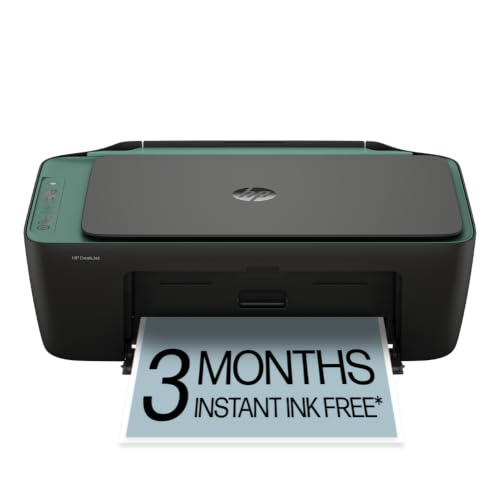
- Entry PickHP DeskJet 2922 All-in-One Printer about$541.5" screen.
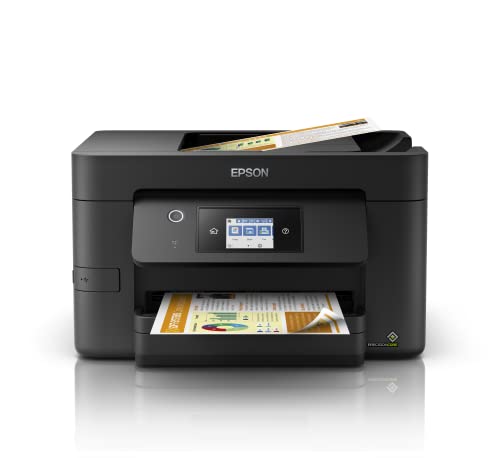
- Epson Workforce Pro WF-3825 Multifunction… about$169
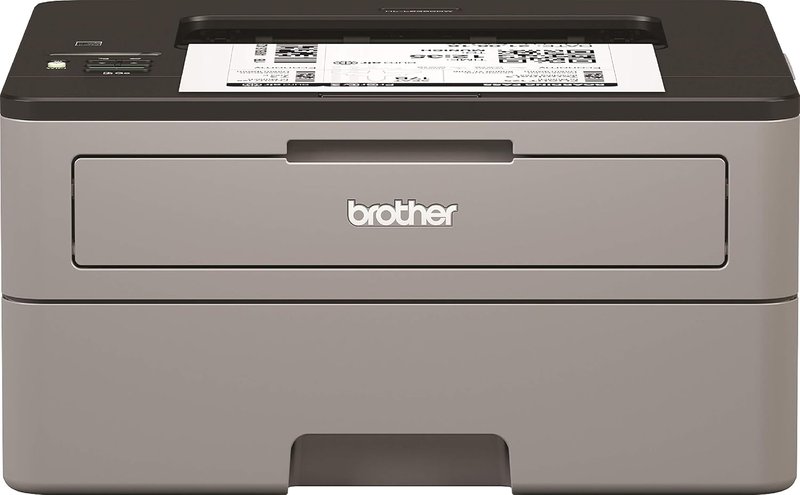
- Brother HL-L2445DW about$186
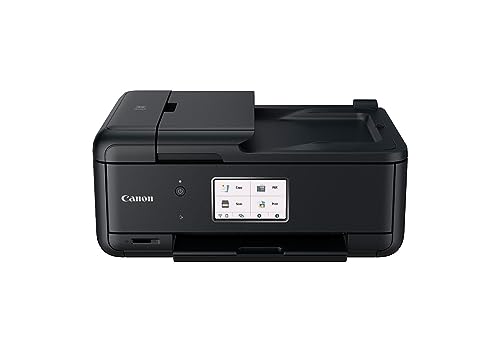
- Canon PIXMA Home Office TR8660a… about$229
- Brother HL-L2445DW Wireless Mono Laser… about$229.68
- Brother HL-L2464DW about$259
- Brother MFC-L2820DW Wireless Mono Laser… about$289
- Most PremiumHP Smart Tank 6005 All-in-One Wireless… about$396.95
The most common printer that lands on my bench in Erina is not broken. It is a cartridge inkjet that sat idle for six weeks, dried its printhead solid, then burned half a cartridge running cleaning cycles trying to recover. The owner paid $79 for the printer and roughly $700 in cartridges over three years. This guide exists because of that maths.
The sticker price is the least important number on the box
A home office printer is a three-year running-cost decision disguised as a $200 purchase. A typical home office prints about 30 pages a week: invoices, contracts, forms the accountant wants signed. Call it 1,500 pages a year, 4,500 over three years.
On a cartridge inkjet at 15 to 25c a page, those 4,500 pages cost $675 to $1,100 in cartridges. On a mono laser running high-yield toner at roughly 2c a page, about $90. On an ink tank at around 1c a page, under $50, colour included. The $79 printer is the most expensive printer in the room. It just bills you monthly instead of upfront. The fallout from that arithmetic keeps our Central Coast computer repair bench busier than any other printer problem.
Laser vs ink tank vs cartridge inkjet: how the economics actually work
Mono laser is the default answer for a home office that prints documents. Toner is a dry plastic powder. It cannot dry out, clog, or evaporate. A laser that sits untouched for two months prints a clean page one the moment you need it, which is exactly how home offices print: nothing for weeks, then twenty pages before a deadline. The trade-off is no colour.
Ink tank printers moved the ink from tiny sealed cartridges into refillable reservoirs you top up from bottles. One set of bottles prints thousands of pages, so colour drops to around 1c a page. The printhead still needs regular exercise to stay clear, so tanks suit households that print colour every week, not once a term.
Cartridge inkjets are the machines I keep telling customers not to replace like-for-like. The printer is sold near cost and the margin lives in the cartridges, at 15 to 25c a page. Used once a fortnight, which is how most home offices use them, the heads dry, the cleaning cycles eat the ink, and firmware updates have a habit of rejecting third-party cartridges. None of the three picks here takes cartridges. That is deliberate.
The three picks, from most people's answer to the colour option
Prices accurate at time of writing (August 2026). Amazon AU pricing moves week to week. All three ship to Australian addresses including the Central Coast.

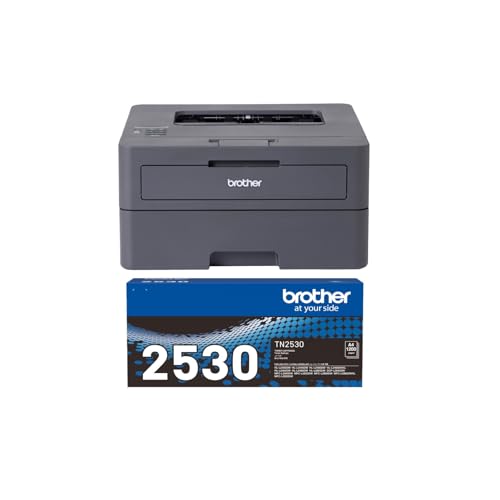
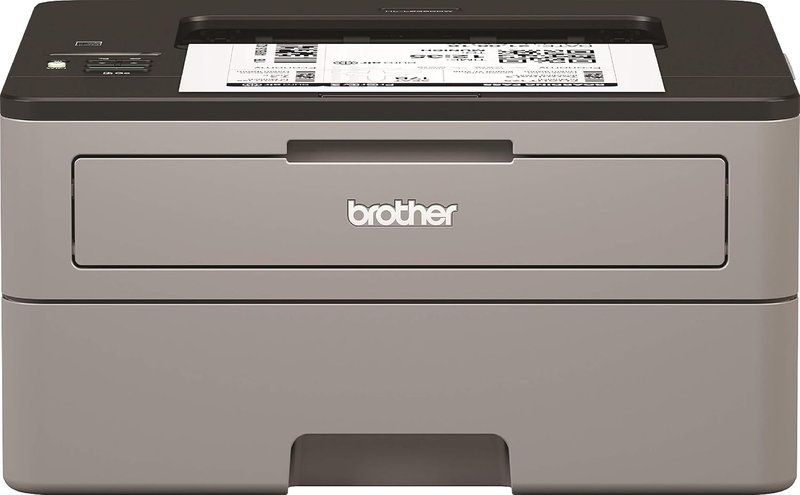
Brother HL-L2445DW Wireless Mono Laser Printer
ASIN B0FCY734MZ • $229.68 • Ships from Amazon AU
The printer I point most home office customers at, and the market agrees: it is the #1 best-selling laser printer on Amazon AU right now. 32 pages a minute, automatic two-sided printing, a 250-sheet tray so you are not feeding it weekly, Wi-Fi plus USB. A 1,200-page toner ships in the box; the high-yield TN2530XL (about 3,000 pages) is what gets running costs to roughly 2c a page.
What you get at $229.68: a print engine with almost nothing in it to go wrong. No printhead, no ink lines, just a toner cartridge and a drum, both user-replaceable in under a minute. Relative to how many are out there, Brother mono lasers are the printers we see least at the bench.
Honest caveats: it only prints. No scanner, no copier, black only. If you scan paperwork more than occasionally, spend the extra $59.32 on the MFC below.
Best for: anyone whose printing is documents. Invoices, contracts, forms, labels. The default pick.
Type: Mono laser • Speed: Up to 32ppm • Duplex: Automatic • Tray: 250 sheets • Toner: TN2530 (1,200 pages) / TN2530XL (3,000 pages) • Running cost: ~2c a page on XL toner
View on Amazon AU
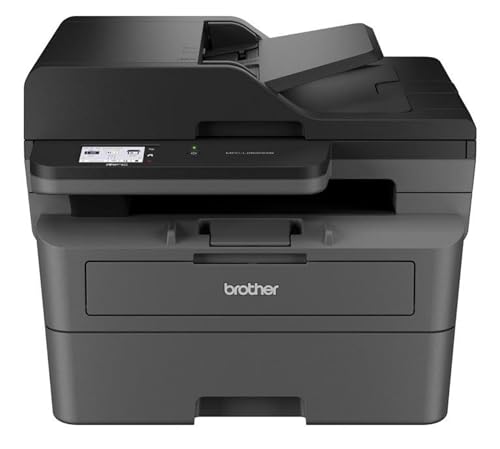
Brother MFC-L2820DW Mono Laser Multi-Function (Print / Copy / Scan / Fax)
ASIN B0CJTKPBS6 • $289 • Ships from Amazon AU
Same 32ppm mono laser engine and same TN2530 / TN2530XL toners as the HL-L2445DW, with the office bolted on top: flatbed scanner, automatic document feeder, copier, fax, and a 6.8cm touchscreen that makes scan-to-PDF a two-tap job. The feeder alone earns the extra $59.32 the first time you scan a 14-page contract.
What you get at $289: the machine that replaces the trip to the print counter. Scan receipts for the accountant, copy signed documents, fax the one department that still insists on it. Same consumables as its sibling, so the running cost stays at roughly 2c a page on XL toner.
Honest caveats: still mono. It scans and copies in colour to file, but every page it prints is black and white. The document feeder is single-sided, and it is a bigger box than the HL-L2445DW; measure the shelf first.
Best for: working-from-home setups with real paperwork. Pairs neatly with one of the compact desktops in our mini PC buying guide.
Type: Mono laser MFC • Speed: Up to 32ppm • Duplex: Automatic (print) • Scanner: Flatbed + ADF, colour scan • Display: 6.8cm touchscreen • Toner: TN2530 / TN2530XL • Running cost: ~2c a page on XL toner
View on Amazon AU
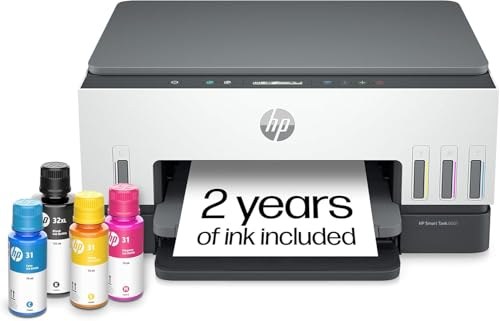
HP Smart Tank 6005 Colour Ink Tank All-in-One
ASIN B0FT2X3SVZ • $396.95 • Ships from Amazon AU
The right way to buy colour in 2026: refillable tanks fed from bottles, not cartridges. HP rate the bottles in the box for up to 8,000 colour pages or up to 6,000 black, so colour stops being the thing you avoid printing to save money. Print, scan and copy, automatic two-sided printing, dual-band self-healing Wi-Fi alongside Bluetooth and USB, and printing, scanning and copying from your phone wherever you are.
What you get at $348: the household workhorse. Kids' assignments, colour handouts, photos on plain paper, home office paperwork in between. It runs up to 12 pages a minute in black and 7 in colour, HP tune it for dark, crisp text alongside vibrant colour graphics, and the smart-guided buttons light up to walk you through whatever job you have started.
Honest caveats: 12ppm is well short of the 32ppm the Brother lasers manage, so it is the slow one for a long text document. The advanced scanning features come with 12 months of HP Smart Tank included, not forever. And like every inkjet, it wants printing at least fortnightly so the printhead stays clear, which is the single most common inkjet fault we see.
Best for: households where school printing and colour matter, and printing happens weekly. Documents only? The lasers above cost less to buy and less to run.
Type: Colour ink tank all-in-one • Functions: Print / scan / copy • Speed: Up to 12ppm black, 7ppm colour • Duplex: Automatic • Connectivity: Dual-band Wi-Fi, Bluetooth, USB • Ink in box: Up to 8,000 colour or 6,000 black pages
View on Amazon AUSide-by-side comparison
What we see fail at the bench: 16 years of printer jobs
Printers earn a special kind of hatred, and most of it traces back to buying the wrong technology for the usage pattern. Here is what actually comes through the workshop door:
Dried printheads on part-time inkjets are the #1 printer complaint we hear
The pattern is always the same: a cartridge inkjet bought for occasional use, printing once a fortnight or less. Ink dries in the nozzles between jobs, cleaning cycles burn through the ink the owner is trying to conserve, and eventually the head clogs beyond recovery. On most sub-$150 inkjets the printhead costs more to replace than the machine. The honest advice at that point is not a repair, it is a change of technology. Toner cannot dry out.
"Printer offline" is a network problem wearing a printer costume
A steady share of the jobs we book alongside computer repairs in Erina start as "the printer stopped working". The printer is fine. The router rebooted overnight, handed the printer a new IP address, and the computer is still calling the old one. The durable fix is a fixed IP address for the printer in your router's settings, and after any router swap, redo the printer's Wi-Fi from its own panel rather than reinstalling drivers five times. If the drama persists, a USB cable does not have opinions.
Firmware updates that reject third-party cartridges
We regularly see inkjets that printed happily on third-party cartridges until an automatic firmware update, after which the same cartridges read as "damaged" or "counterfeit". With HP, understand what HP+ means before enrolling: original HP ink for the printer's lifetime, enforced in firmware. The Smart Tank sidesteps most of the pain because bottled ink costs little enough that third-party refills stop being tempting. On the Brother side, genuine TN2530XL toner is already close to third-party price per page, so we fit genuine and move on.
Paper handling fails before electronics do
Erina is coastal, and paper is a sponge. Paper stored unwrapped in humid air swells, multi-feeds and jams, and the printer gets the blame. Keep paper in its ream wrapper. The real wear part is the pickup roller: after a few years the rubber glazes and the printer grabs nothing, or three sheets at once. A roller is a $20-40 part and a ten-minute fit on these Brother chassis.
What actually kills a home laser
Almost nothing, at home volumes. The schedule on these Brothers is a toner cartridge every few thousand pages and a drum unit around every 15,000. Fusers and laser units are rated for page counts a home office will not reach inside a decade. That is the quiet reason repair techs keep recommending mono lasers: when we do see one, it is a roller or a drum, not a dead machine.
Decision tree: which printer is right for you?
- Printing is documents: invoices, contracts, forms, labels? → Brother HL-L2445DW at $229.68. Roughly 2c a page, wakes from a month of idle without complaint.
- Also scanning receipts, copying signed pages, the occasional fax? → Brother MFC-L2820DW at $289. Same engine and toner, plus flatbed, document feeder and touchscreen.
- Kids' school printing, colour handouts, photos on plain paper, weekly use? → HP Smart Tank 6005. Bottled ink in the box rated for up to 8,000 colour pages.
- Print a dozen pages a year? → Skip owning a printer. A library or print counter costs less per year than one set of cartridges.
- Building out the rest of the desk? → Our budget laptop guide covers the machines we see surviving Australian home offices.
- Heavy colour proofs or photo-quality prints? → Different category. You want a dedicated photo printer used weekly, not anything on this page.
Frequently asked questions
Is a laser printer better than an inkjet for a home office?
For a home office that mostly prints documents, yes, and it is not close. Toner is a dry powder with a shelf life measured in years, so a laser wakes up after a month idle and prints page one perfectly. Running costs sit around 2c a page with high-yield toner. A cartridge inkjet in the same role dries out between jobs, burns ink on cleaning cycles and costs 15 to 25c a page. The exception is colour: if you print school projects or photos every week, a colour ink tank like the Smart Tank 6005 makes more sense than either.
How much does it actually cost per page to run these printers?
The Brother lasers land at roughly 2c a page using the TN2530XL high-yield toner, which is rated for about 3,000 pages. The standard TN2530 cartridge works out closer to 5c. The HP Smart Tank prints from refillable bottles and comes in around 1c a page including colour, which is the specific reason ink tanks exist. Cartridge inkjets are the trap: 15 to 25c a page before you count the ink lost to head cleaning. Over three years at a typical 1,500 pages a year, that is the difference between about $90 in toner and $700 or more in cartridges.
Why does my printer keep going offline?
Nine times out of ten it is a network problem, not a printer problem. Printers sit in deep sleep for days, and when the router reboots or hands out a new IP address the computer keeps looking for the printer at the old one. The fix that lasts: give the printer a fixed IP address in your router settings, or reconnect it from its own control panel after any router change. Both Brother picks hold a wireless connection well in our experience, and the HL-L2445DW can also run over a USB cable, which never drops.
What is the difference between an ink tank printer and a normal inkjet?
An ink tank printer has refillable reservoirs you top up from bottles. One set of bottles prints thousands of pages, which is how the Smart Tank gets to about 1c a page. A normal cartridge inkjet uses small sealed cartridges holding a few millilitres each, priced so that two or three replacement sets cost more than the printer did. Both types share one weakness: a printhead that needs regular use to stay clear. An ink tank printer that sits idle for two months clogs just like a cartridge machine, it is only less painful to unclog because the ink costs so little.
Does the Brother MFC-L2820DW print in colour?
No. Both Brother picks are mono lasers, black print only. The MFC-L2820DW scans and copies in colour to file, so a colour document goes to PDF looking right, but everything it puts on paper is black and white. For a document-heavy home office that is a feature, not a gap: a mono toner cartridge costs next to nothing per page and never dries out. If you genuinely need colour on paper, that is exactly the job the HP Smart Tank 6005 is in this guide for.
How long does toner last if I hardly ever print?
Years. Toner is a plastic-based powder, and a sealed Brother cartridge keeps for around two years on the shelf, with the installed one lasting until the pages run out. I have pulled five-year-old lasers out of storage at the workshop, printed a test page, and had it come out clean. Ink is the opposite: an inkjet that does not print something every couple of weeks starts clogging. If your printing is rare and unpredictable, that alone decides it. Buy the laser.
Related buying guides
Printer won't behave, or setting up a home office on the Coast?
Bring the laptop and the problem into our Erina workshop. We sort "printer offline" dramas, network setup and the rest of the home office desk, and we will tell you straight when a printer is worth fixing and when it is costing you money to keep.
Visit our Erina workshop Book Online